
On site · Visualize
Progress you can verify.Against the plan and the programme.
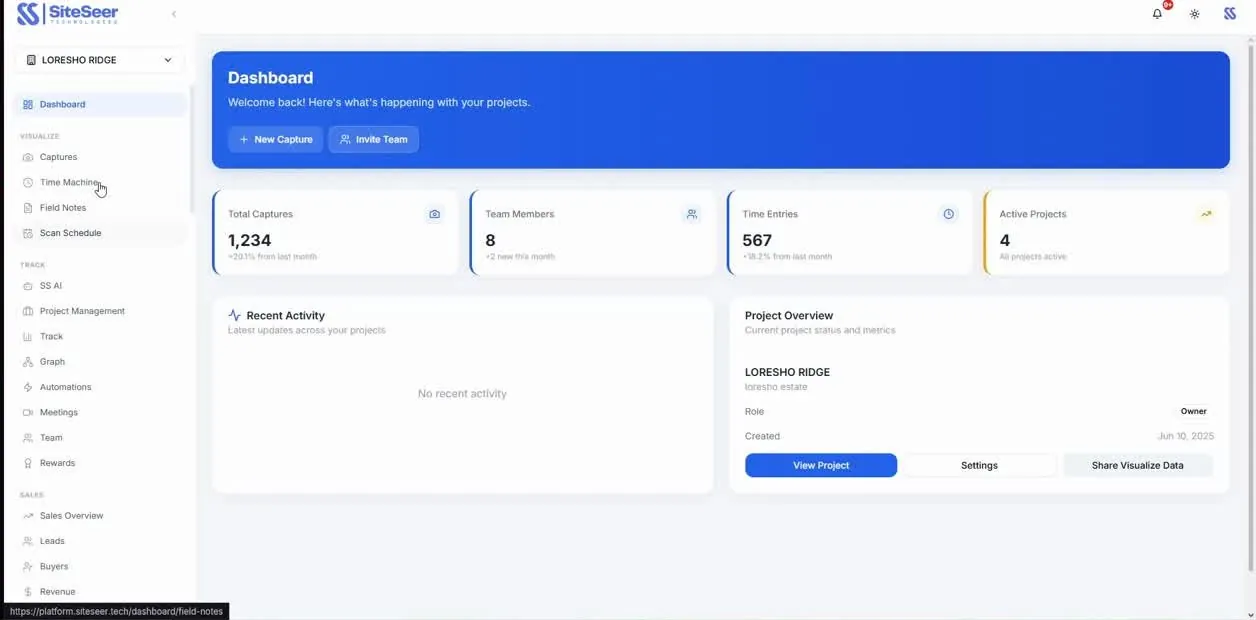
Every room coloured by what was actually built, compared with where the programme says it should be. Progress is measured from the site, week by week, so you know what is behind before the programme slips.
Why it matters
What someone reported is not the same as what was built.
Progress updates spread across months of chats and verbal milestones make it hard to tell whether the work on site matches the programme and the money already committed.
Progress canvas
Where every floor is, at a glance.Verified against the programme, week by week.
Every room on the floor plan, coloured from the latest site capture. Switch between last week and this week, and tap a room to see what changed, what is late and what is open.
Bath
35%Behind schedule
- Waterproofing
- +20% since last week's capture
- Behind the programme: the follow-up goes to the contractor
- 2 open snags in this room
Sample floor. On your project the canvas comes from your plans and each week's captures.
Progress canvas · the recordings
Where it is. What is late.Checked against the programme, every week.
The whole project on one canvas: every area coloured by verified progress against the programme — on time, behind or not started.
The project canvas against the programme
Before and after on the canvas: what moved since last week's capture, highlighted, so nobody has to ask.
This week against last week
Click a unit or area that is behind: its activities, the dates the programme set, and what the last capture showed.
Opening a unit that is behind
Each wall, slab and room on the floor-plan canvas is an element. Click it for its progress, its photos and the activity it belongs to.
An element's progress on the floor plan
Turn on the risk layer to see where the delays, open snags and lines at risk sit on the plan.
The risk layer on the canvas
Move along the timeline on the 2D canvas and watch the progress build, week to week or month to month.
Tracking on the 2D canvas over time
Progress · 01 Capture
Every floor, every week.
Our team walks the site with 360° cameras. Each capture lands on the floor plan with its date.
Level 5 · captured TuesdayProgress · 02 Measure
Progress read from the site.
What was built is mapped to each room and programme activity, and a person can review any reading.
Block B · 64% · planned 66%Progress · 03 Compare
Planned against actual.
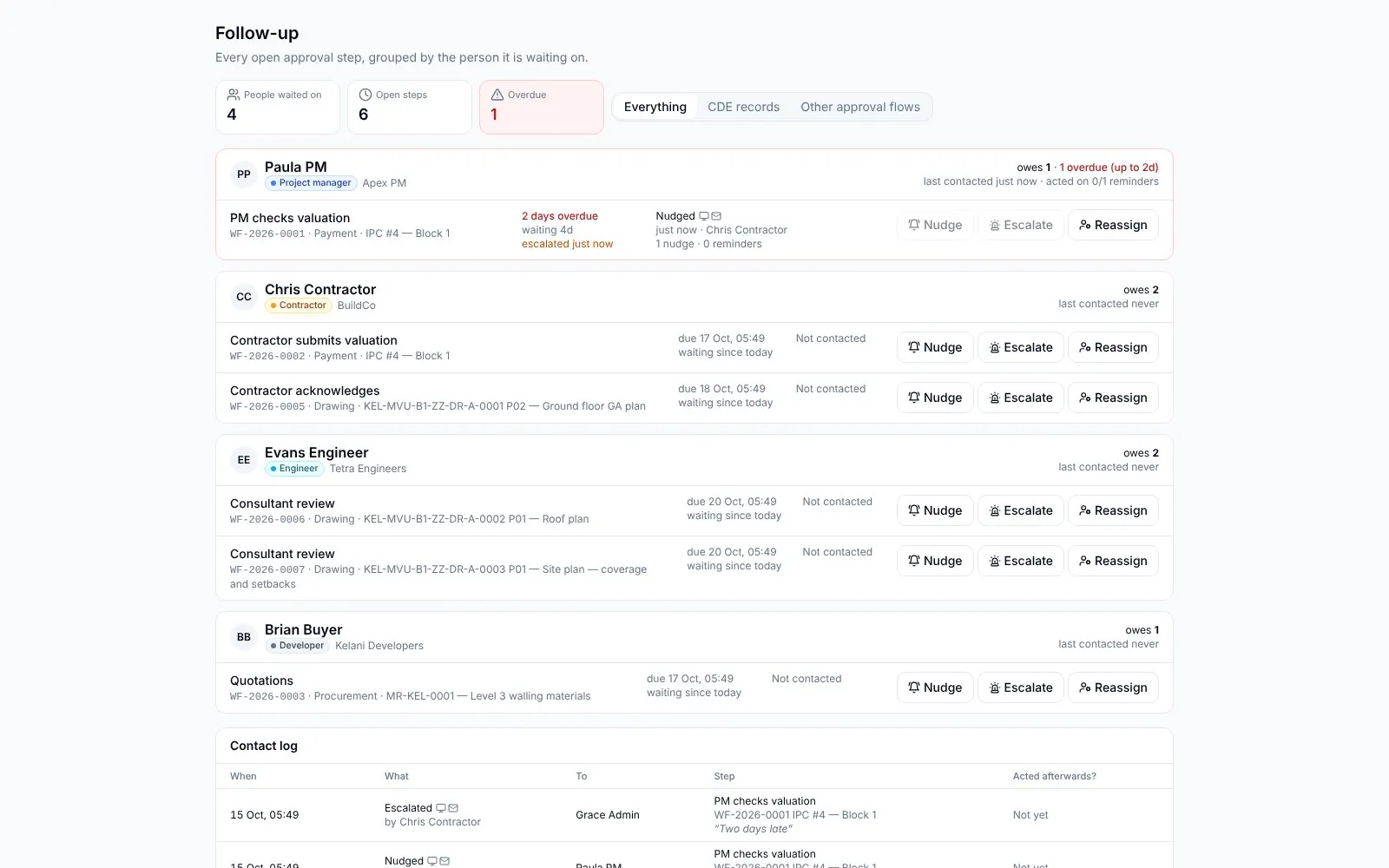
Each activity against the programme, with the gap in days and who owns it.
3 activities behindProgress · 04 Report
The report writes itself.
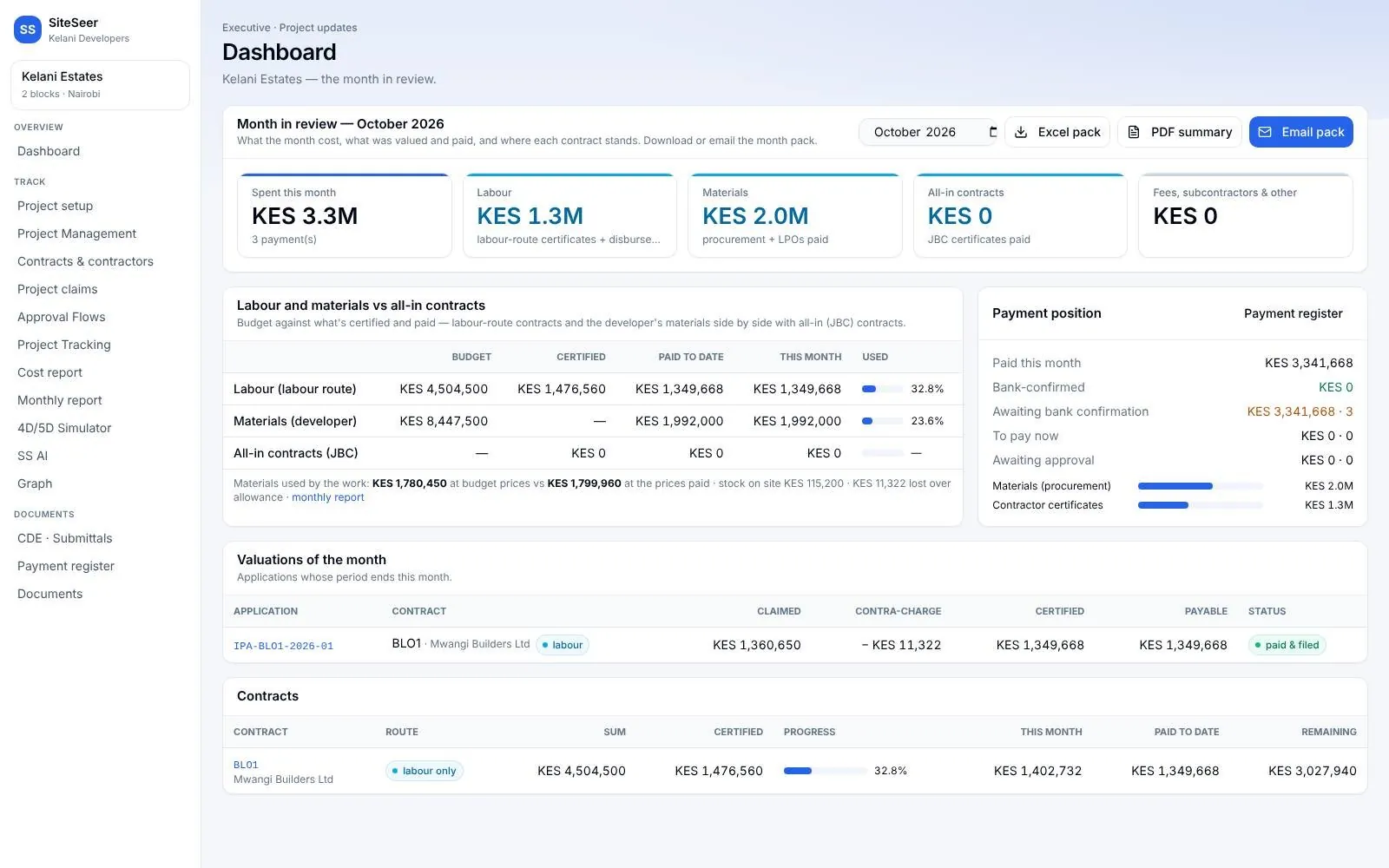
Weekly and monthly progress, with the evidence, for your board, your lender and your buyers.
Monthly report · ready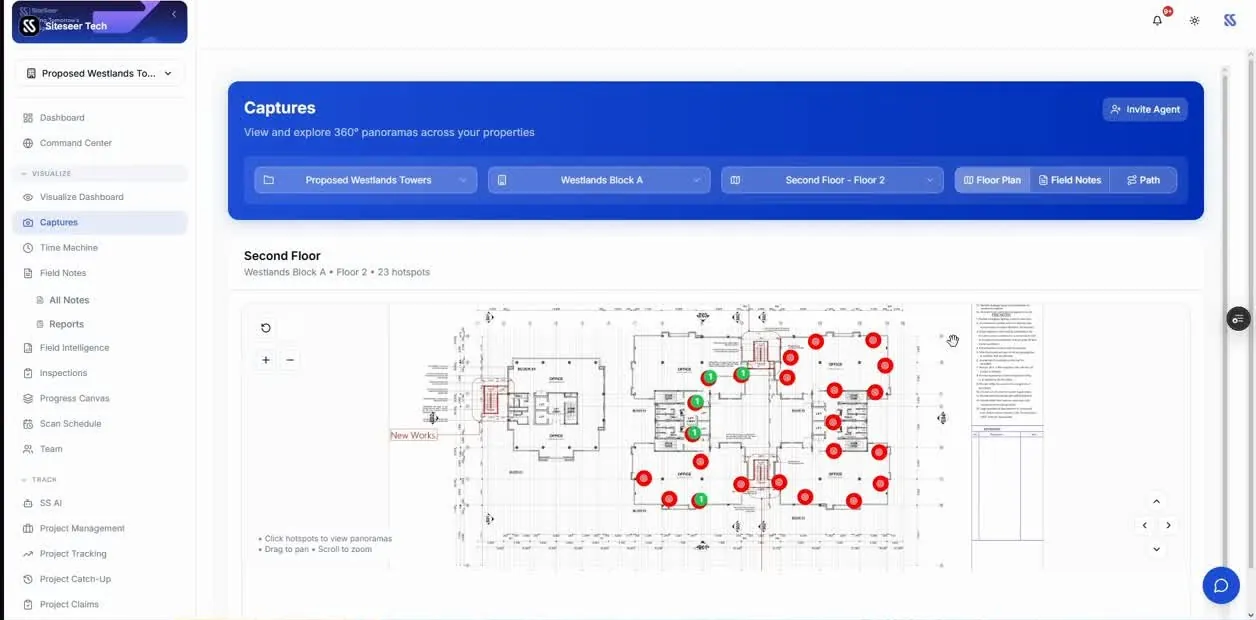
Keep scrolling — each screen follows as you scroll
Visualize · what you can do
What you can do.Walked, captured, verified.
Progress by block, floor and room
Verified from the latest captures, not from a status call.
Planned against actual
Each activity compared with the programme, with the gap in days.
The exceptions first
The floors and activities that are behind, with who owns them.
Reports that write themselves
Weekly and monthly progress reports from the same record.
The result
Earlier warning of delays, and progress your lender and board can trust.
Questions
About Construction progress tracking.
Something else on your mind? Walk through it with us on your own project.
From the weekly 360° captures, mapped to your floor plans and programme activities. A person can review and adjust any reading.
Yes. Microsoft Project, Primavera P6 (XER) and Excel programmes can be imported.
Keep exploring
Every part connected.
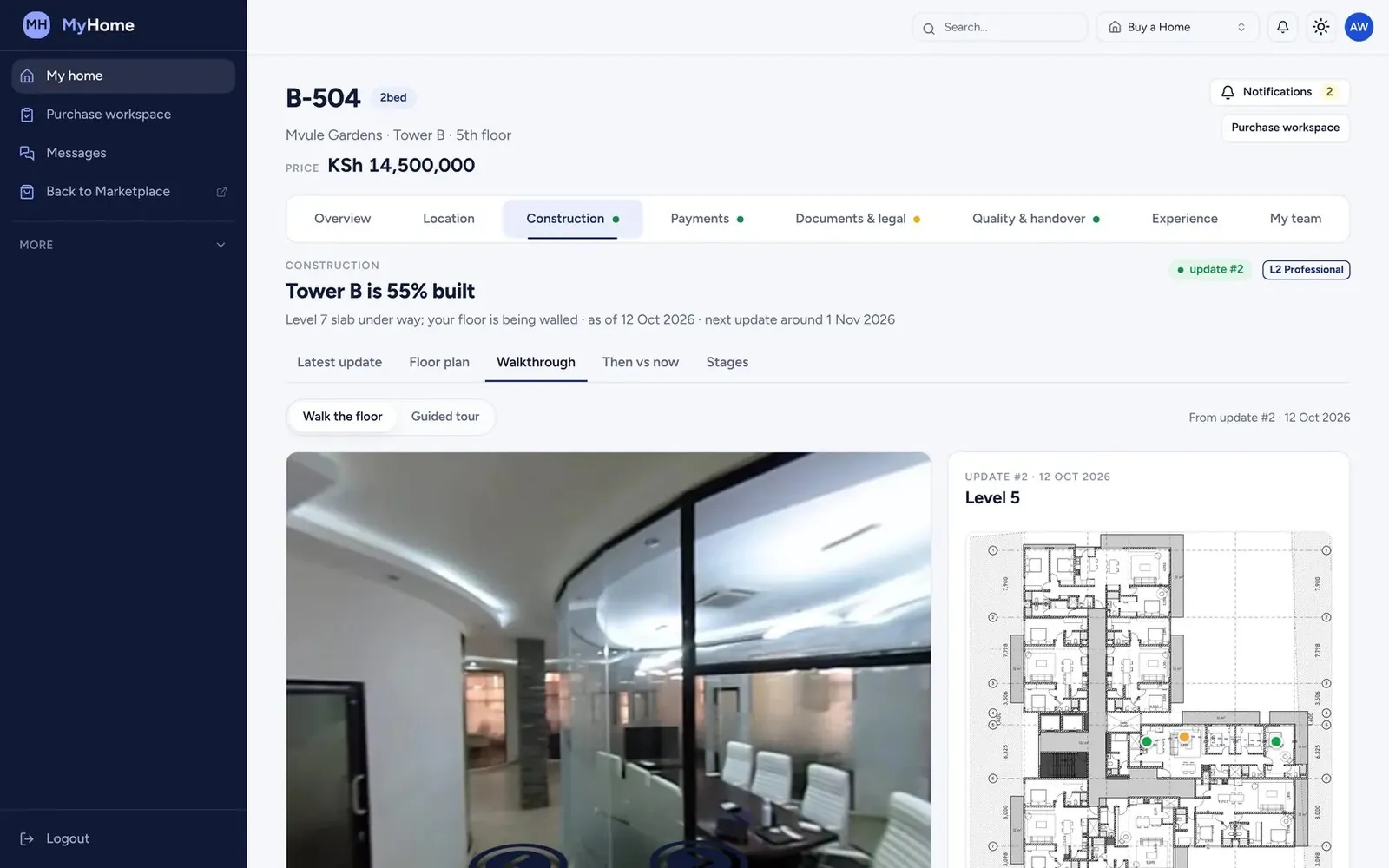
Visualize
Site walks, before and after
We walk your site with 360° cameras every week. Compare any two dates, from anywhere.
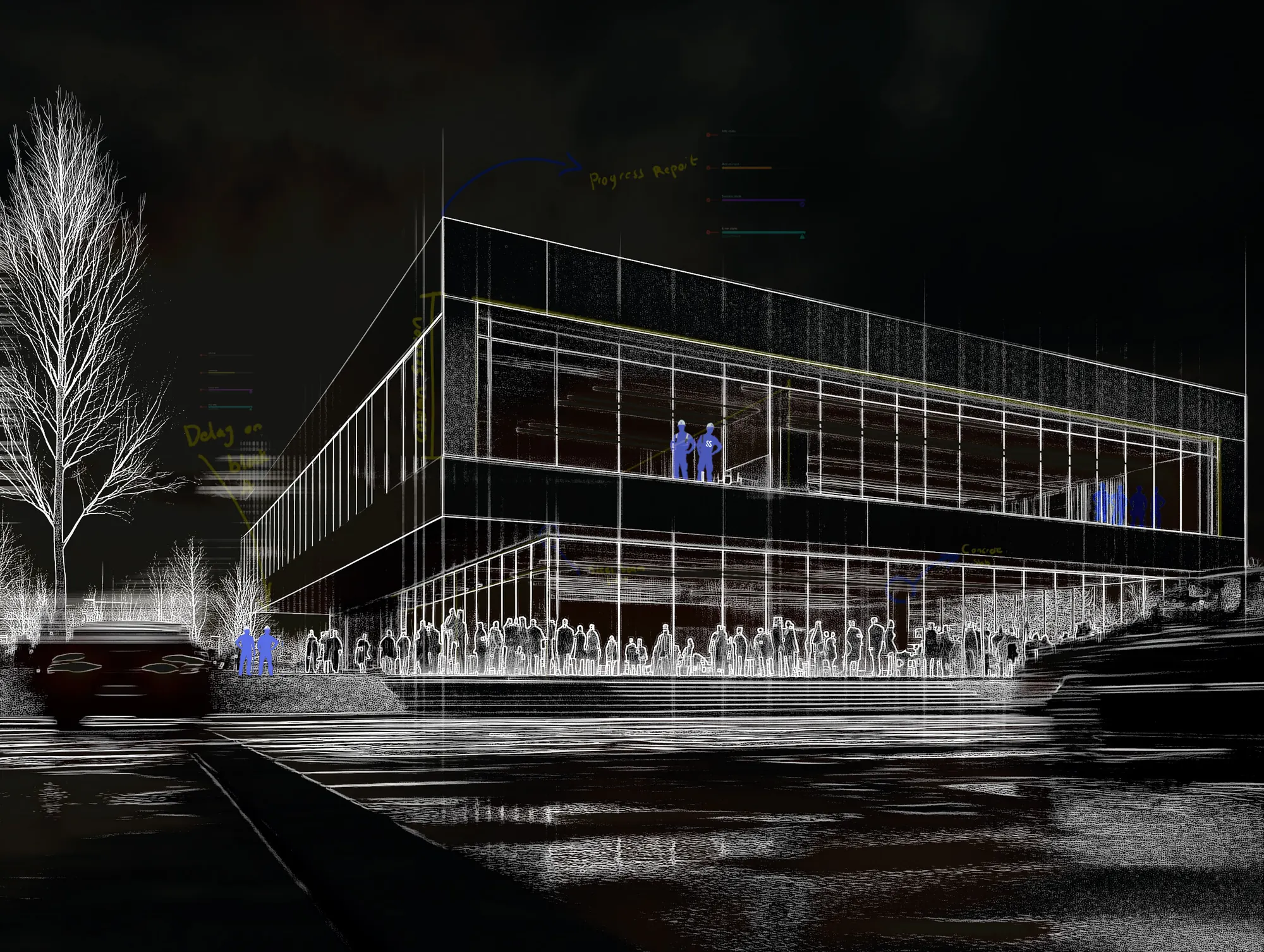
Visualize
Twin view: behind the wall
The capture beside the model. Know what was installed behind every wall, long after handover.
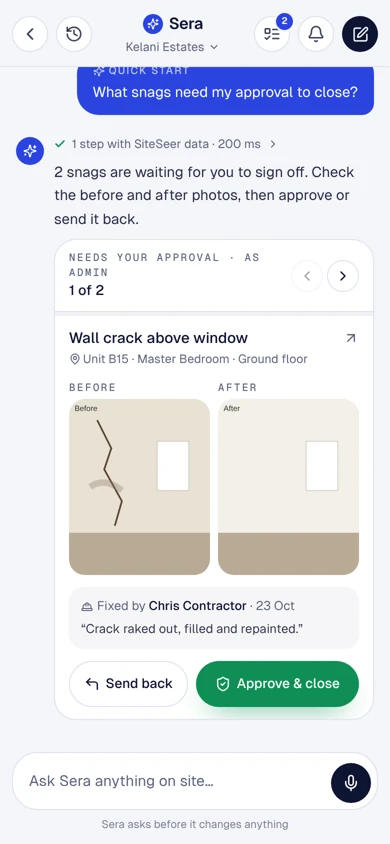
Visualize
Snagging and verified closure
Every snag pinned to the room, owned by a contractor and closed with evidence.