
On site · Visualize
See your site from anywhere.Every floor, every week, any date.
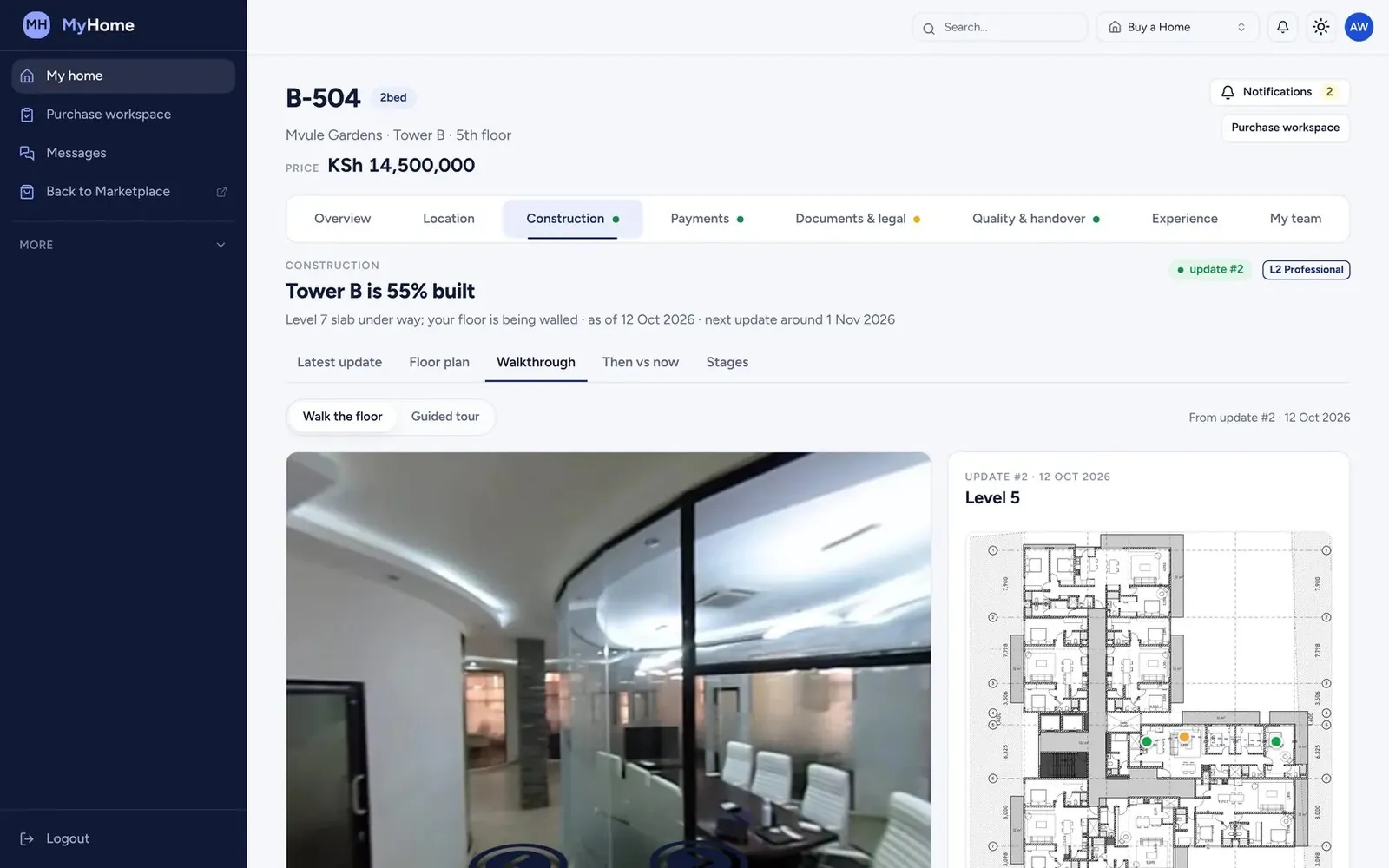
Our team walks your site with 360° cameras every week. Each capture is pinned to your floor plans, so you can walk any floor from your office, or another country, and compare it with any earlier date.
Why it matters
The report says 70%. The site walk shows why the last 30% will be hard.
Materials that have not arrived, work fronts that are not ready and trades waiting for information are all visible on site long before they show up in a progress report. If you are not there, you find out late.
Visualize · 01 · Walk
We walk your site with our cameras.
On a set schedule our team walks every floor with 360° cameras. You don't send anyone, and nothing is staged.
Visualize · 02 · Capture
Before and after, the same spot.
Every capture lands where it was taken. Open last week beside this week and see exactly what moved.
Visualize · 03 · Detect
AI reads what is on site.
The same images go through our object detection: blockwork, slabs, conduits, windows, plaster. Each element, recognised and counted.
Visualize · 04 · Map
Mapped to your floor plan and schedule.
What the AI sees is matched to the floor plan and the programme, so you know which rooms are done, which are late and what is next.
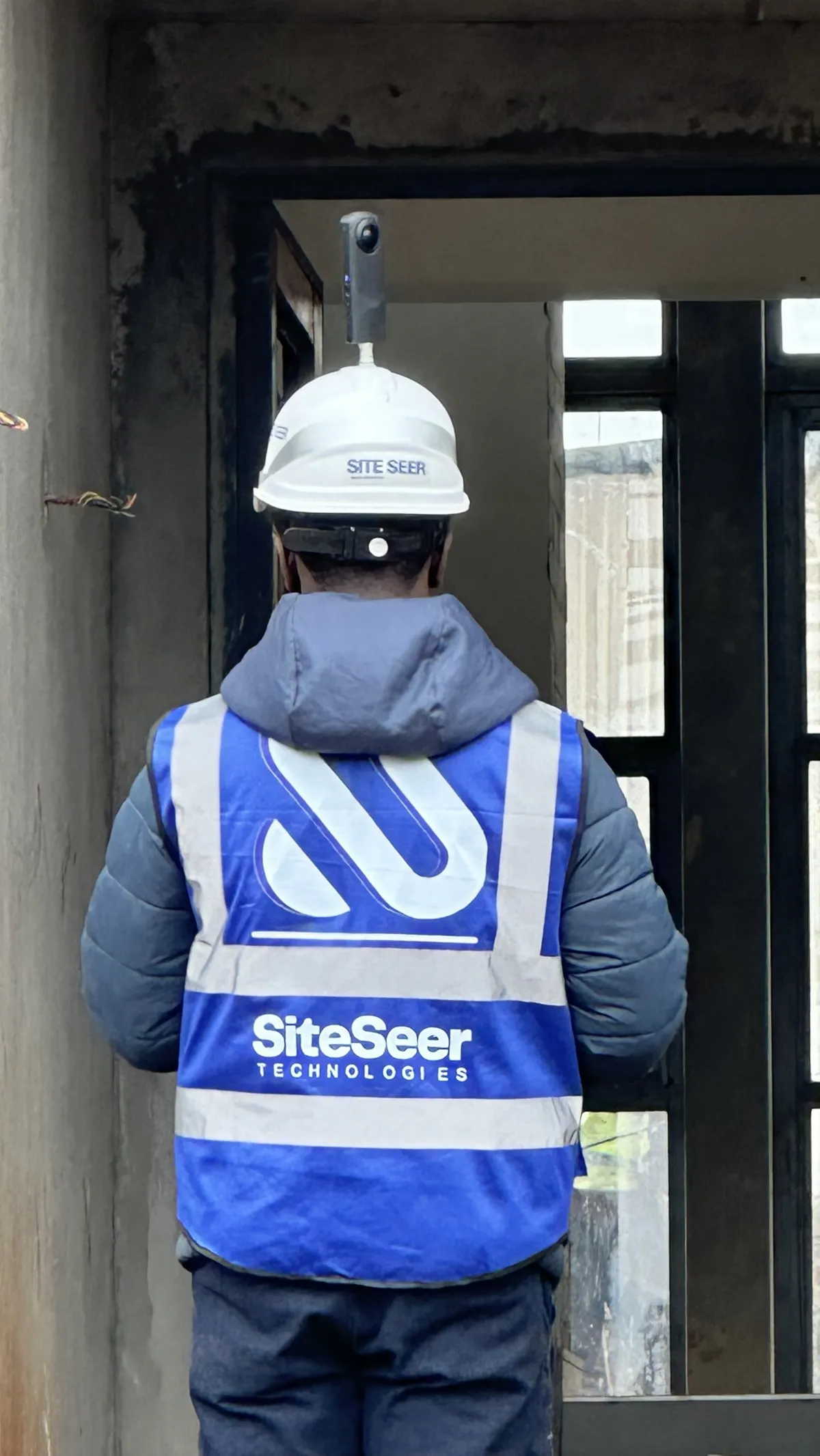 360° capture
Level 5 · capture route
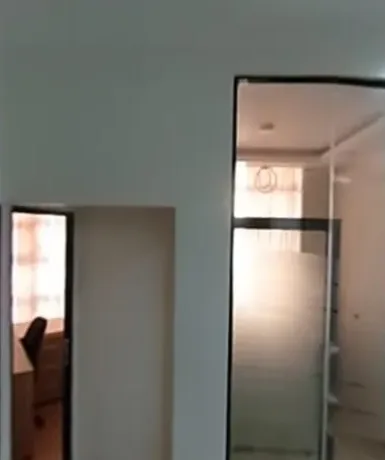
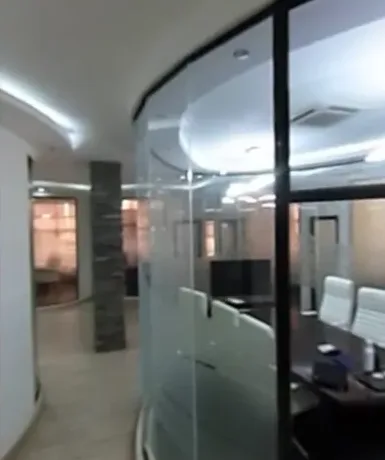 Last weekThis weekSame spot · Level 5 · Office wing
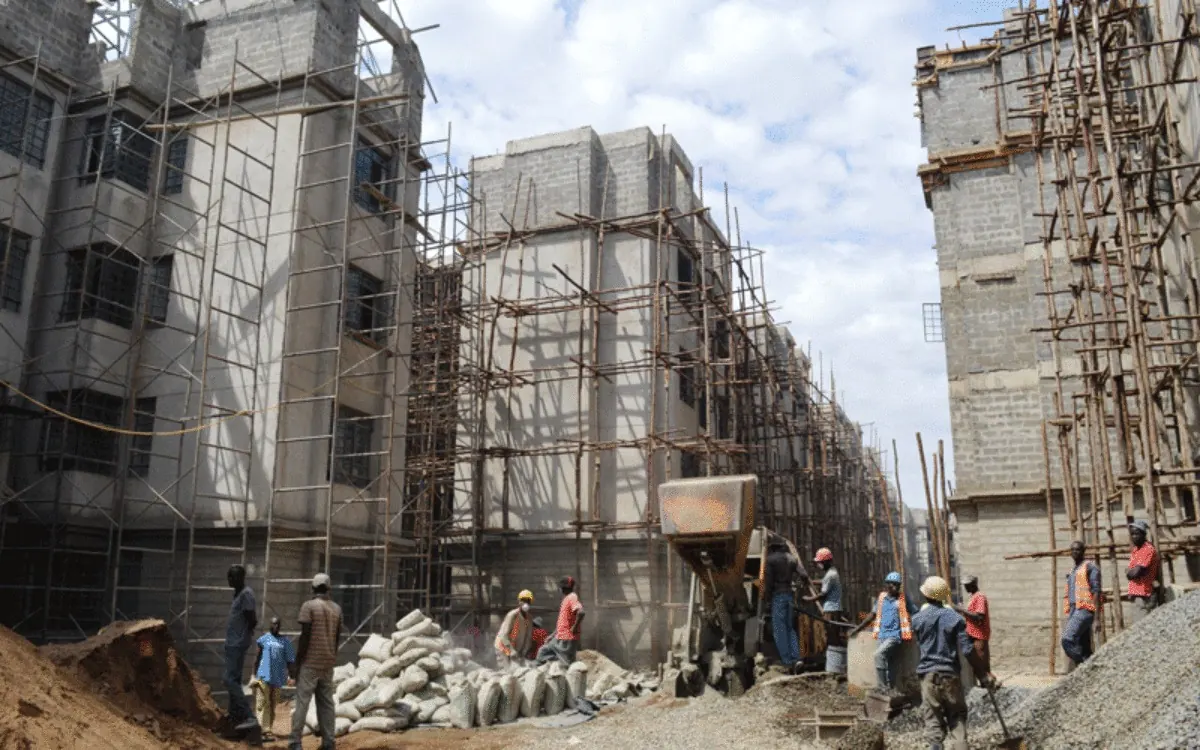 Scaffold · 97%Blockwork · L3 · 94%Window opening · 89%Cement bags · 91% Object detection · 4 elements found
Progress canvas · Level 5
Against the schedule
- Blockwork100%
- First fix electrical72%
- Plaster, wet areas25% behind
- Balcony screed30% behind
- Ceilings0%
Visualize · the recordings
Walk the project from your desk.Every spot, every date, any angle.
Tap a hotspot on the floor plan and the 360° panorama of that spot opens over it, with the date, the room and who captured it.
Hotspot to 360° panorama
The same spot on two dates, side by side: what went in, what is behind the wall, and when.
Before and after on two dates
Every capture of one spot played in order, week by week, so anyone can see how the building went up.
Week-by-week timelapse of one spot
The first capture of a spot beside the latest one: ground, slab, walls, services and finishes, each on its date.
The same spot, first and latest capture
Turn the building, pick a floor and look at the capture from the same angle as the model: what was planned and what is there.
Twin view from another angle
Visualize · what you can do
What you can do.Walked, captured, verified.
Walk the site remotely
Open the latest 360° walk of any floor, pinned to the plan, with its date.
Compare any two dates
The same spot, last week beside this week, or any date since the project began.
See what AI found
Progress and issues read from the captures and mapped to your plans and programme.
Share it
Investors, lenders and buyers follow released progress in their own portal.
The result
More confidence in every update, and fewer surprises from discovering the site too late.
Questions
About Site walks, before and after.
Something else on your mind? Walk through it with us on your own project.
Our team, with 360° cameras, every week. No staging, and no one on your team has to take photos.
Yes. Any spot can be compared across any two capture dates, side by side.
Keep exploring
Every part connected.
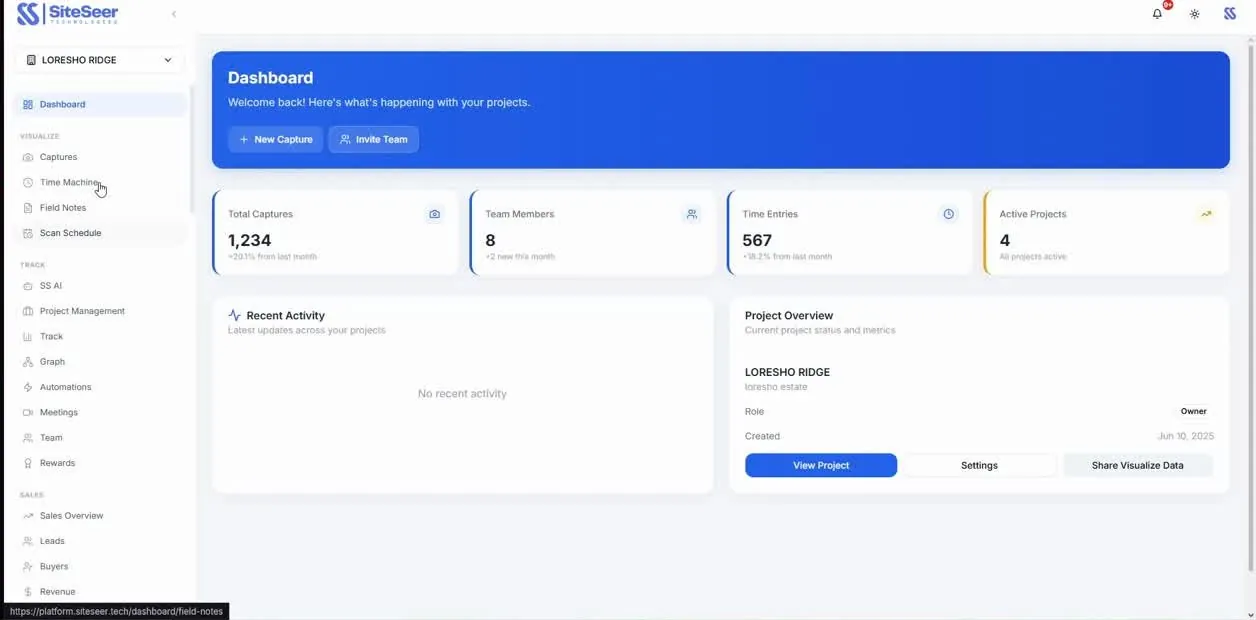
Visualize
Construction progress tracking
Verified progress against the plan and the programme, floor by floor, week by week.
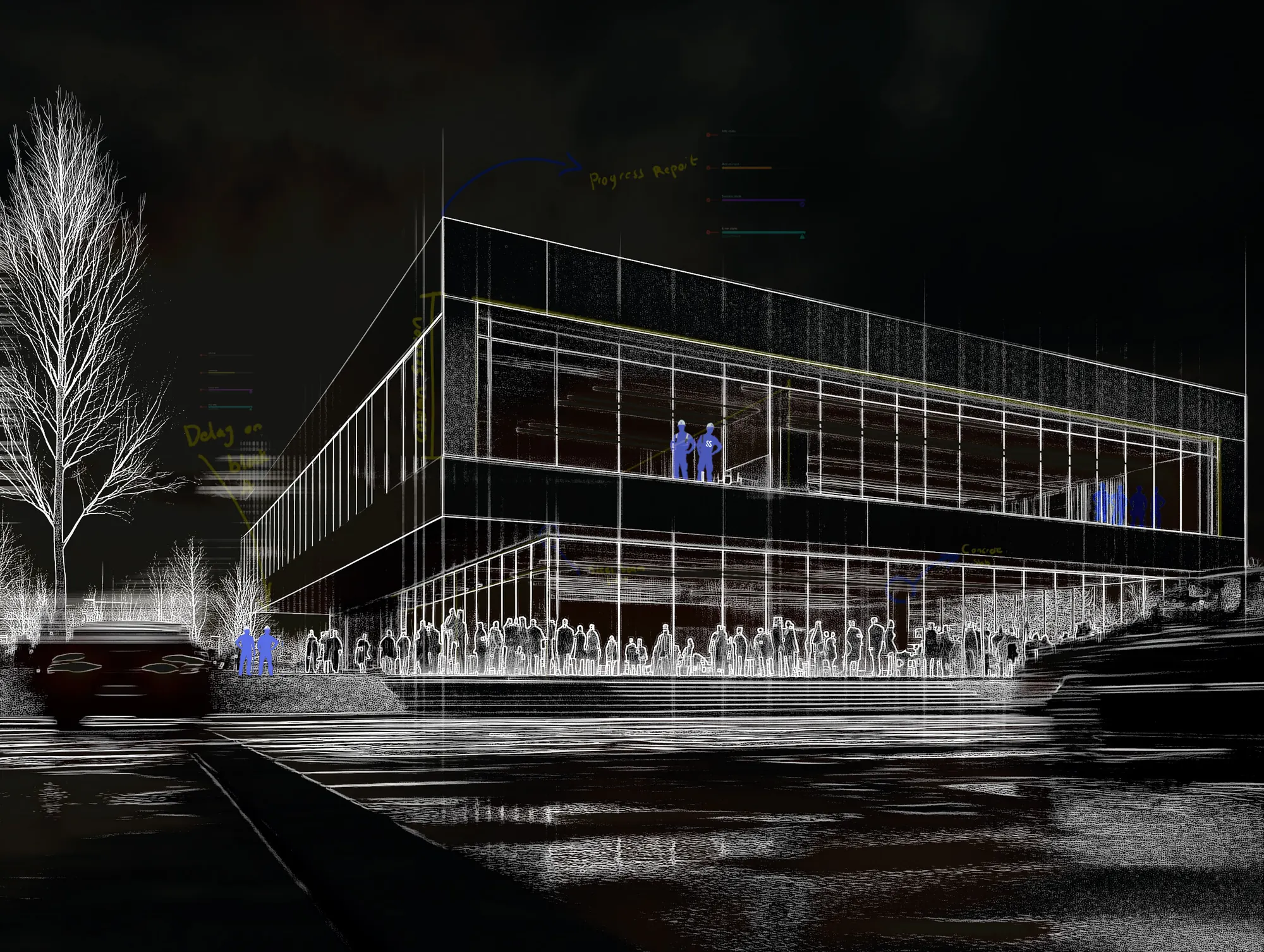
Visualize
Twin view: behind the wall
The capture beside the model. Know what was installed behind every wall, long after handover.
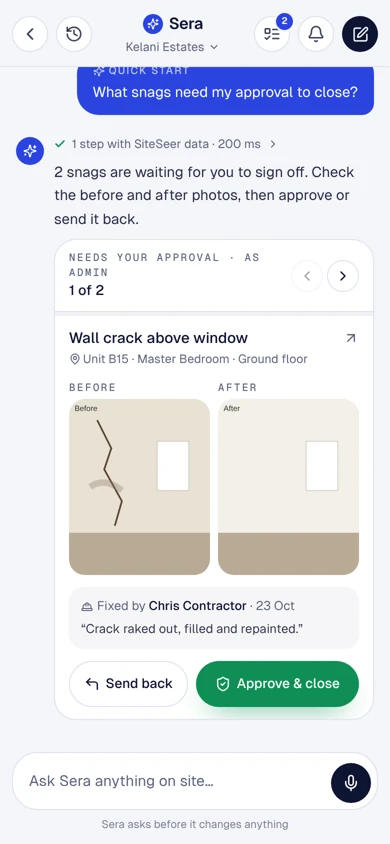
Visualize
Snagging and verified closure
Every snag pinned to the room, owned by a contractor and closed with evidence.