

SiteSeer for architects
Your drawings, approved.And built from the right revision.
The architect's portal puts your submittals, design packages, specifications and certificates on the project's common data environment, with the site and the client on the same record.
What you get
Site builds from the current revision
Superseded drawings are flagged on the register, so nobody prints the old one.
Reviews that come back on time
Every submittal shows who holds it and for how long, and late holders are nudged for you.
Certificates with the evidence attached
Design and completion certificates issue from the same record as the inspections behind them.
The problem
You issue Rev C. Site builds from Rev B. The comments live in four email threads, and the certificate waits on a phone call.
01 · Received
A submittal lands in your queue.
The contractor's shop drawings arrive as a numbered submittal, with the revision, the spec section and a review deadline.
02 · Review
Check it against the design.
Work through the checks on the drawing itself. Anything that doesn't match becomes a comment pinned to the sheet.
03 · Status
Return it with a status code.
Approved, approved as noted, or revise and resubmit. Your comments travel with the decision, so nobody re-reads an email thread.
04 · Transmittal
Issued, and the old revision retired.
A transmittal goes to the contractor. Rev A is marked superseded on the register, so site can't build from it.
05 · Sign-off
Inspected and signed off.
Once installed, the windows are inspected against the approved drawings and signed off, with the 360° capture attached.
SUB-ARC-031 · Kelani Estates · Block 1
Aluminium windows and doors · shop drawings
- 1Received
- 2Review
- 3Status
- 4Transmittal
- 5Sign-off
Submittal
- Submitted by
- BuildCo · 14 Oct
- Revision
- Rev B (Rev A returned)
- Spec section
- Windows, doors and glazing
- Drawings
- W-01 to W-24 · 12 sheets
- Review due
- 21 Oct · 5 working days
Reviewers and order set by the project's approval flow
Design review
- Opening sizes vs window scheduleTo check Done
- Sill heights vs GA plansTo check Done
- Frame colour RAL 7016 vs sampleTo check Done
- Toughened glazing at stair coreComment raised Done
- Fire rating at escape stairComment raised Done
Review status
- W-07, W-11: toughened glass at stair core
- Escape stair doors: FD30, confirm certificate
Transmittal
- Transmittal
- TR-ARC-0045 · to BuildCo
- Rev B
- Status B · issued
- Rev A
- Superseded on the register
Issued for construction · Rev B
Installation sign-off
- ArchitectInspected on site · 360° linked Signed
- Clerk of worksWitnessed the inspection Signed
- Contractor3 snags closed with photos Signed
Architect portal · demo record
What it does
Inside the architect portal.Real screens, real projects.
CDE
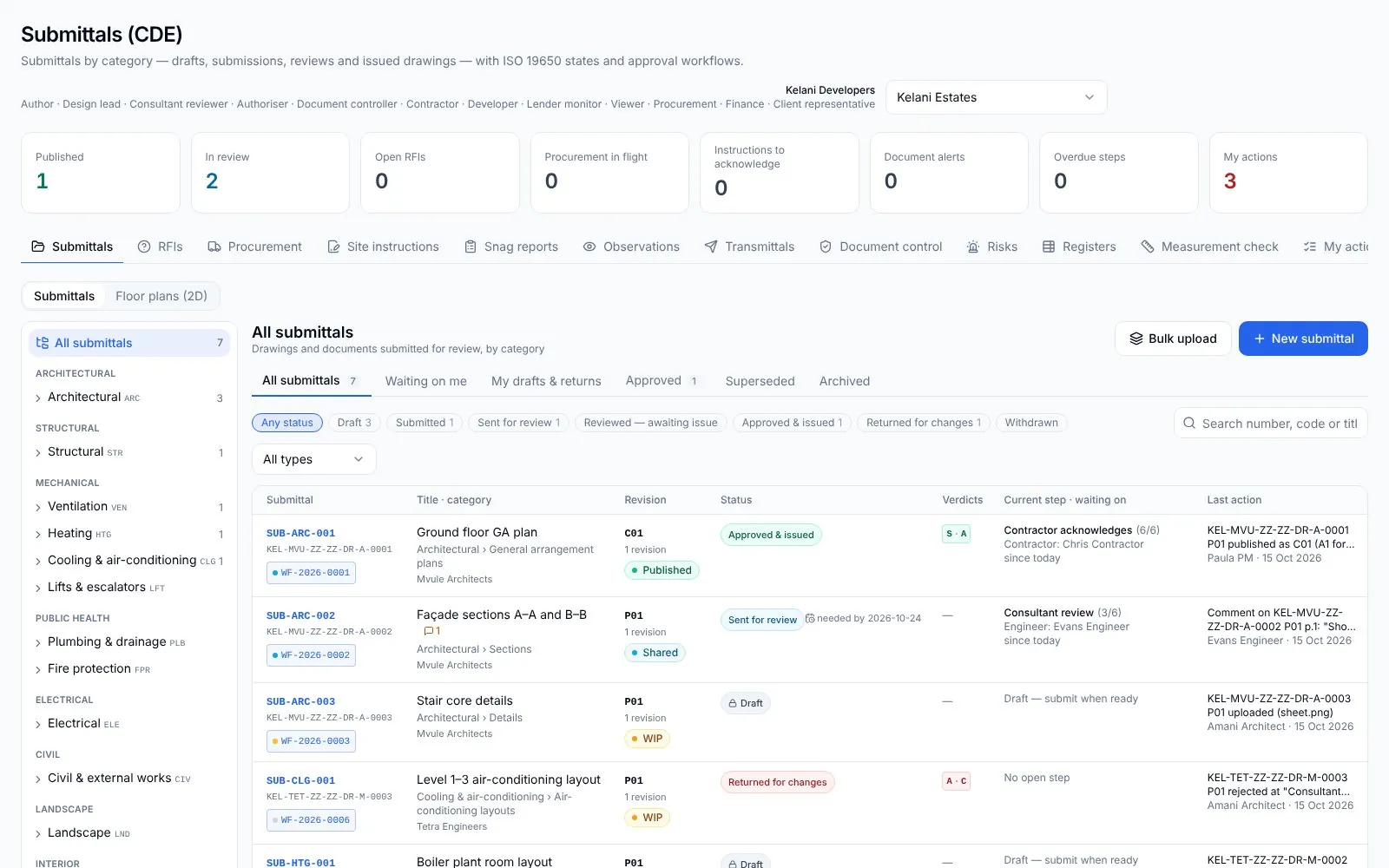
Submittals by discipline.
Every drawing gets a SUB- number, a category and an ISO 19650 state. Compare revisions and send transmittals.
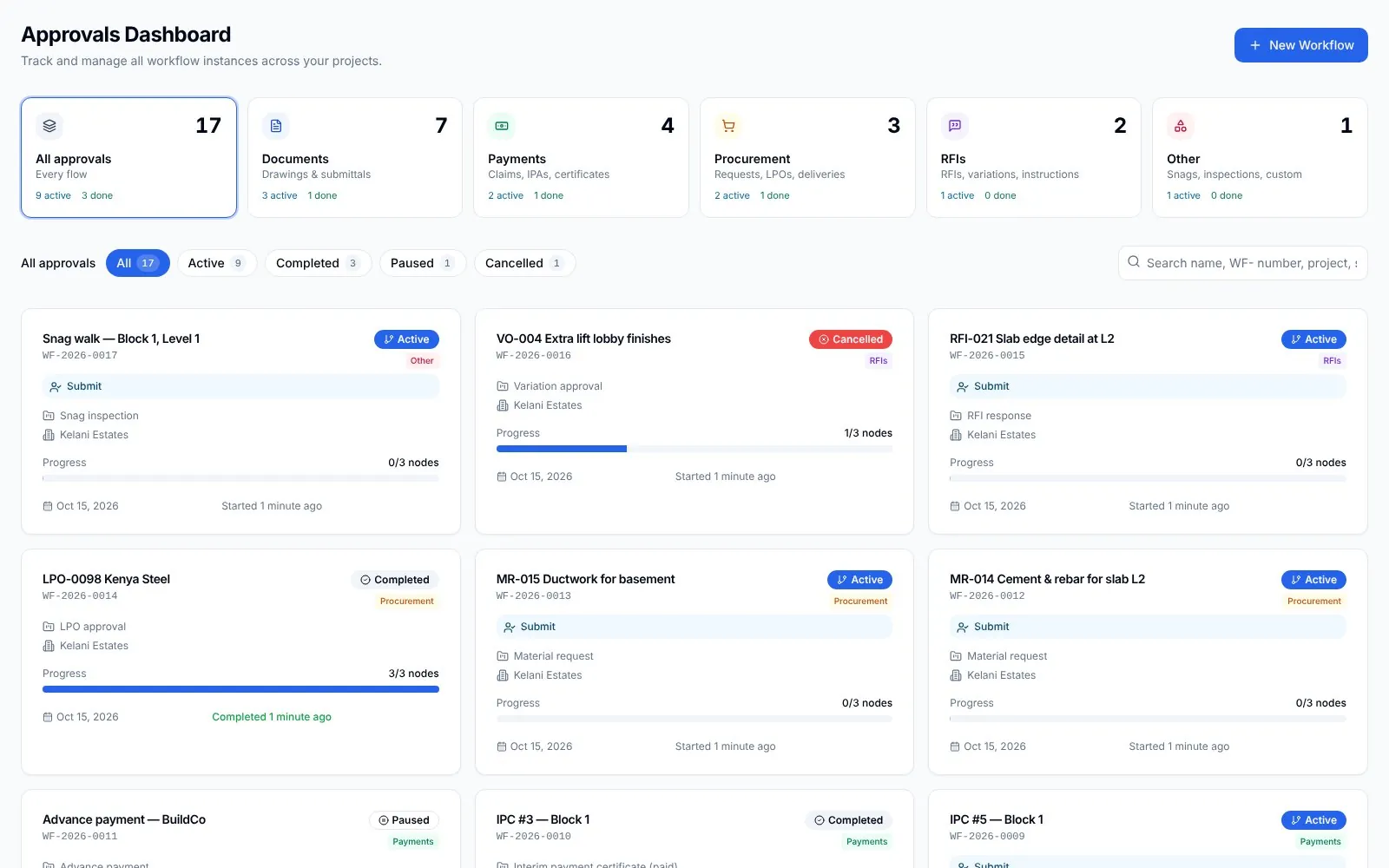
Approvals
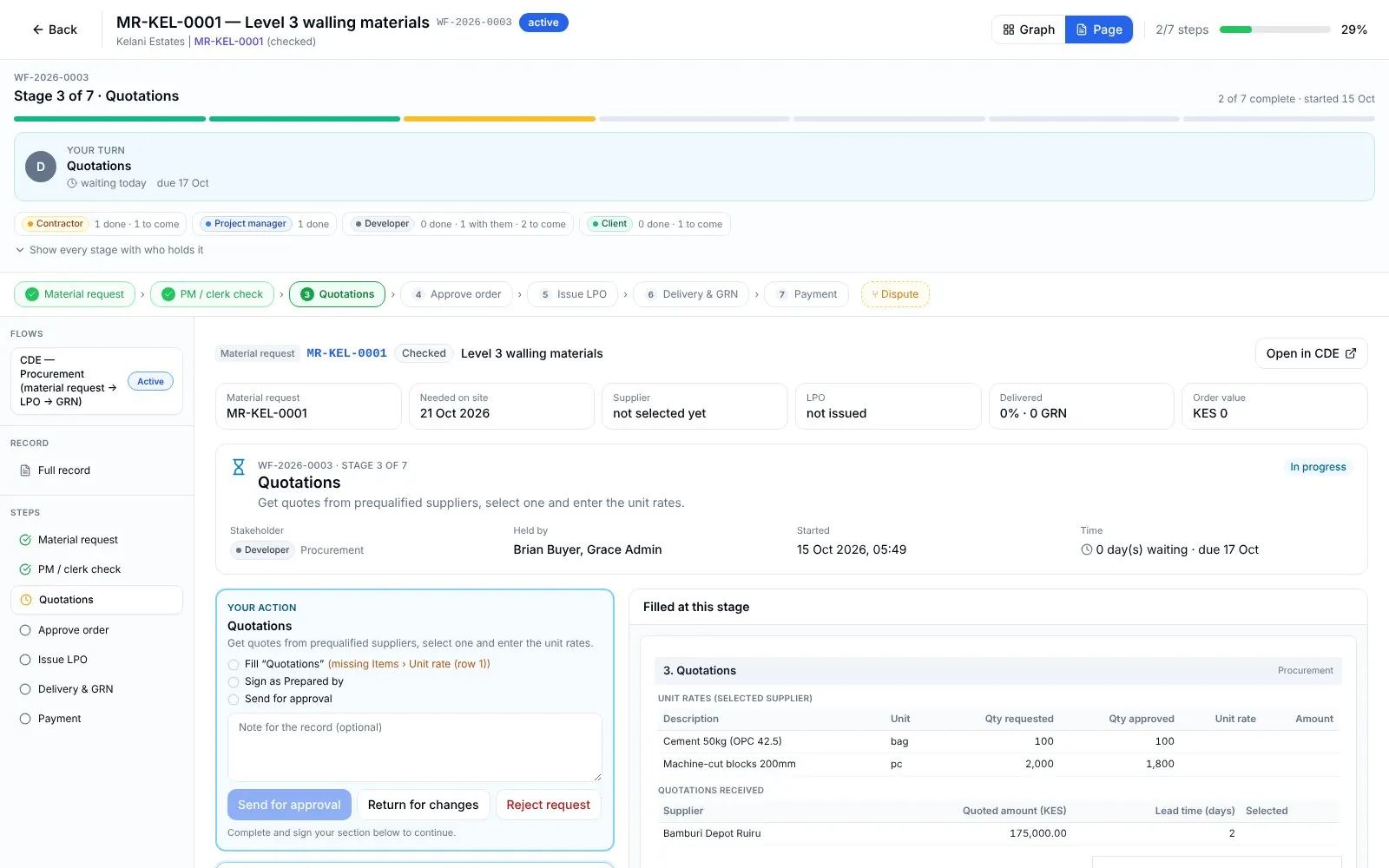
Stage pages with a holder.
Each approval stage shows who holds it, how long they have had it and what must be attached.
RFIs
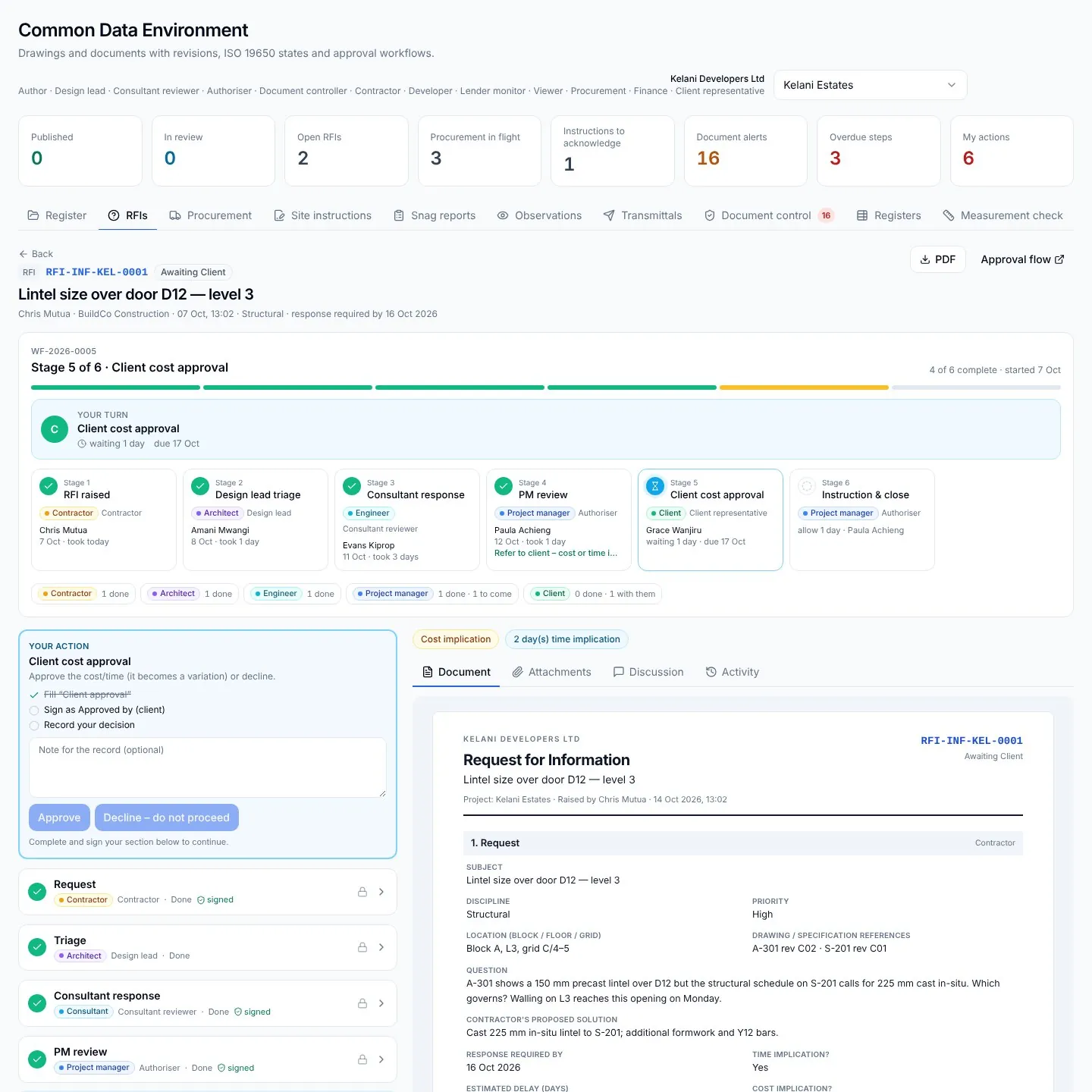
Questions answered on the record.
RFIs come to you with the drawing attached. An answer with a cost becomes a variation and a site instruction.
Model
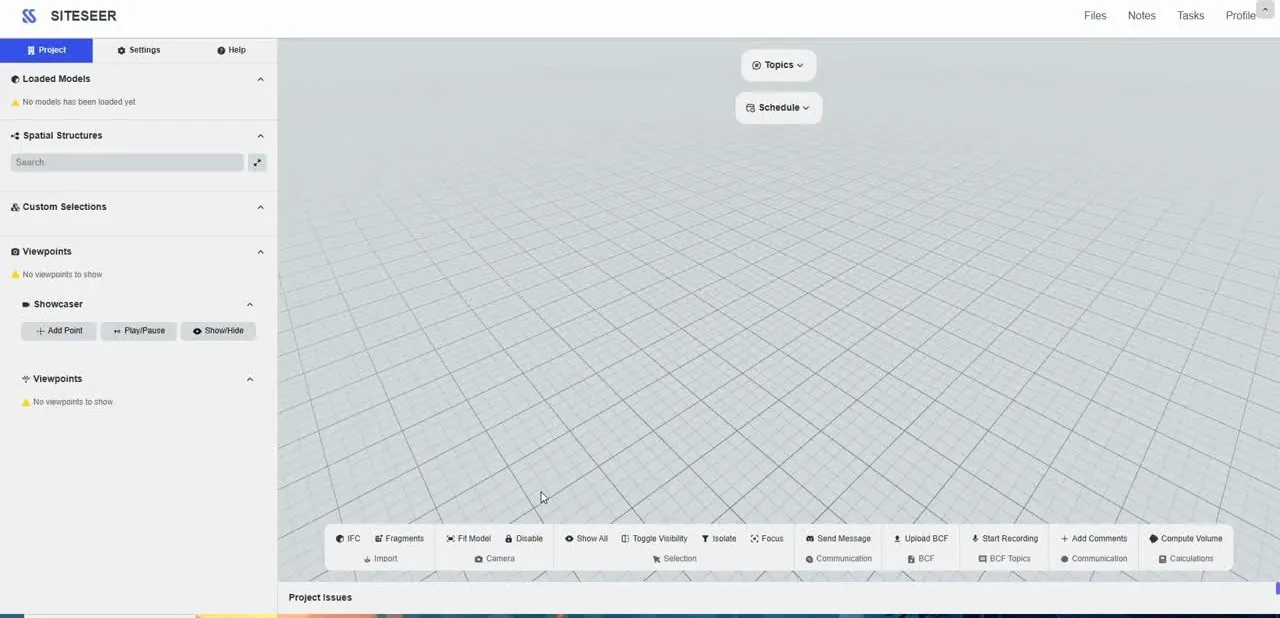
Coordinate on the model.
Open the IFC model in the browser, raise topics on elements and follow progress against the design.
What it takes off your plate
Less chasing.More certainty.
Everything in Architects
All the features.Built for real sites.
Submittals (CDE)
Drawings by discipline, revisions, states and transmittals.
Design packages
Group drawings and specifications into the packages you issue.
Specifications
Specs kept beside the drawings they describe.
Coordination
Topics on the model and the drawing, in one place.
Approval flows
Your queue of approvals, with the holder and the time on each.
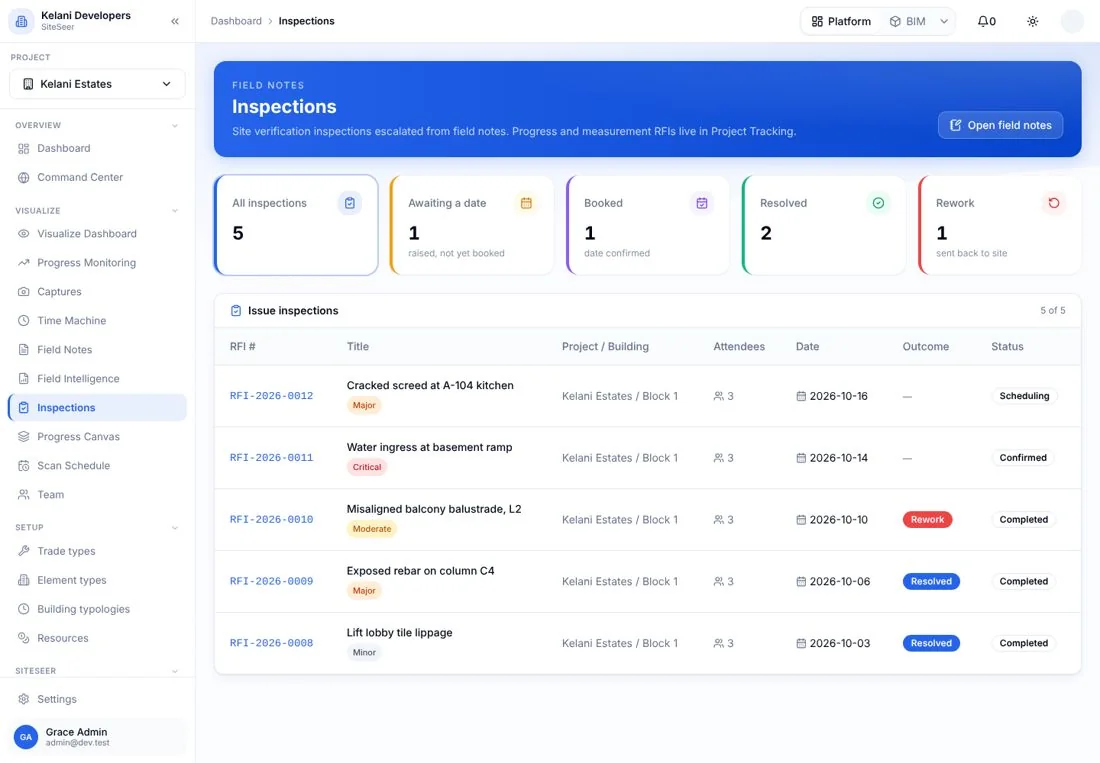
Inspections & snagging
Site inspections and snagging reports against the design.
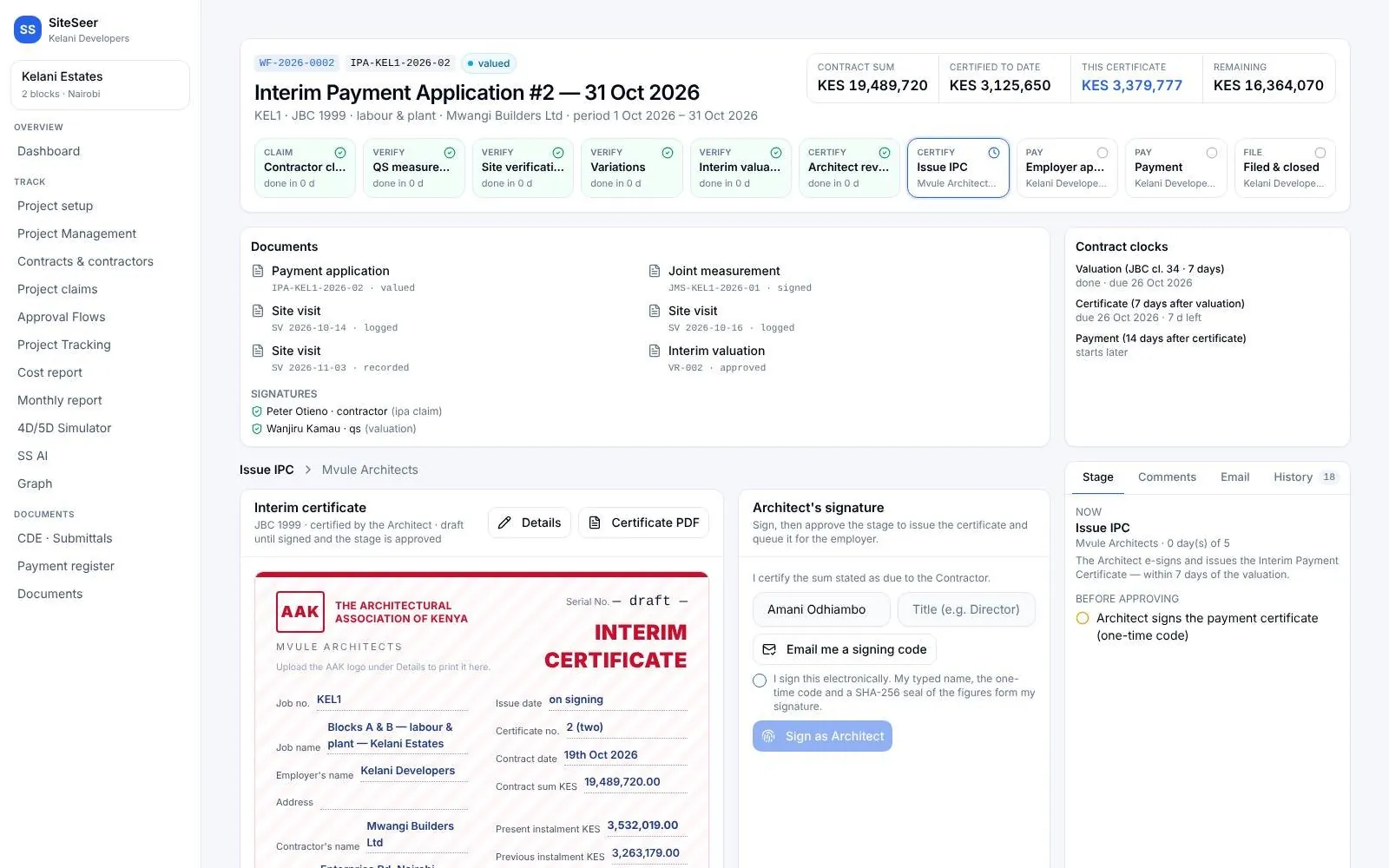
Certifications
Design and completion certificates, plus compliance reports.
Payment claims
Submit fee claims on the same project record.
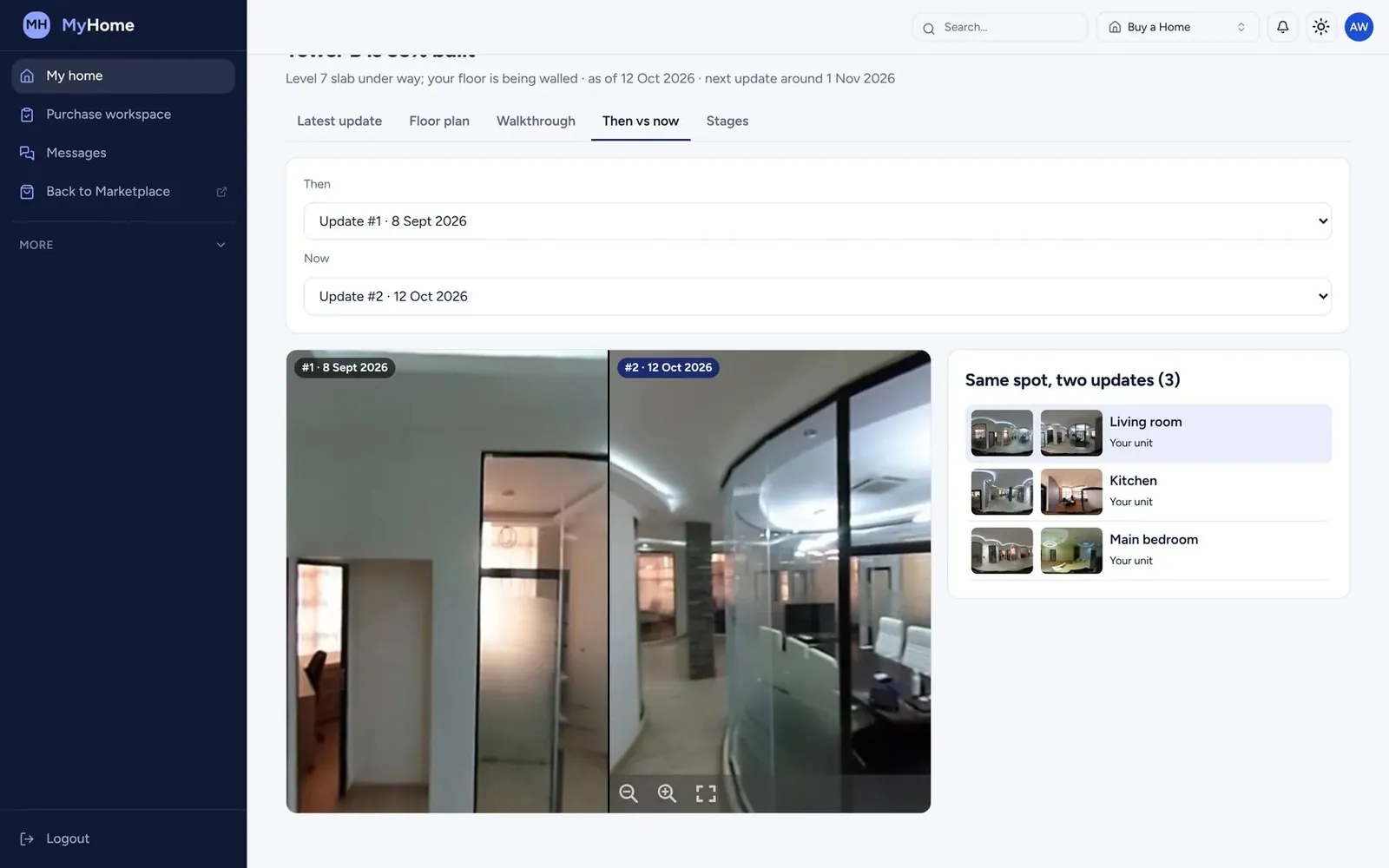
Visualize
360° captures of the site, pinned to your plans.
Practice tools
Team, standards library, quality reviews and portfolio.
Works with
One record,many tools.
 01
01Engineers
Inspect it. Test it. Certify it with the evidence.
 02
02Quantity surveyors
Value what was built. Certify it in days, not weeks.
 03
03Interior designers
See the finishes go in. Without a site visit every week.
 04
04Project managers
Every party moving. You know who holds what.
05SiteSeer Platform
Every approval moving. Every document on record.
06Track and IPA submissions
Pay for what was built. Nothing more.
Questions
Frequentlyasked questions
How SiteSeer fits around your team, your contracts and the way your site already works.
No. Keep your authoring tools. Upload PDFs or IFC, and the portal handles numbering, revisions, reviews and issue.
The submitter picks the reviewers, and the project's approval flow sets the order. Each stage shows its holder.
Only what is shared with them. Portals see their own submittals and anything shared to them.
Run your next project's drawings on SiteSeer.
We will set up the register for one of your live projects and show your team the portal.