
01
Model
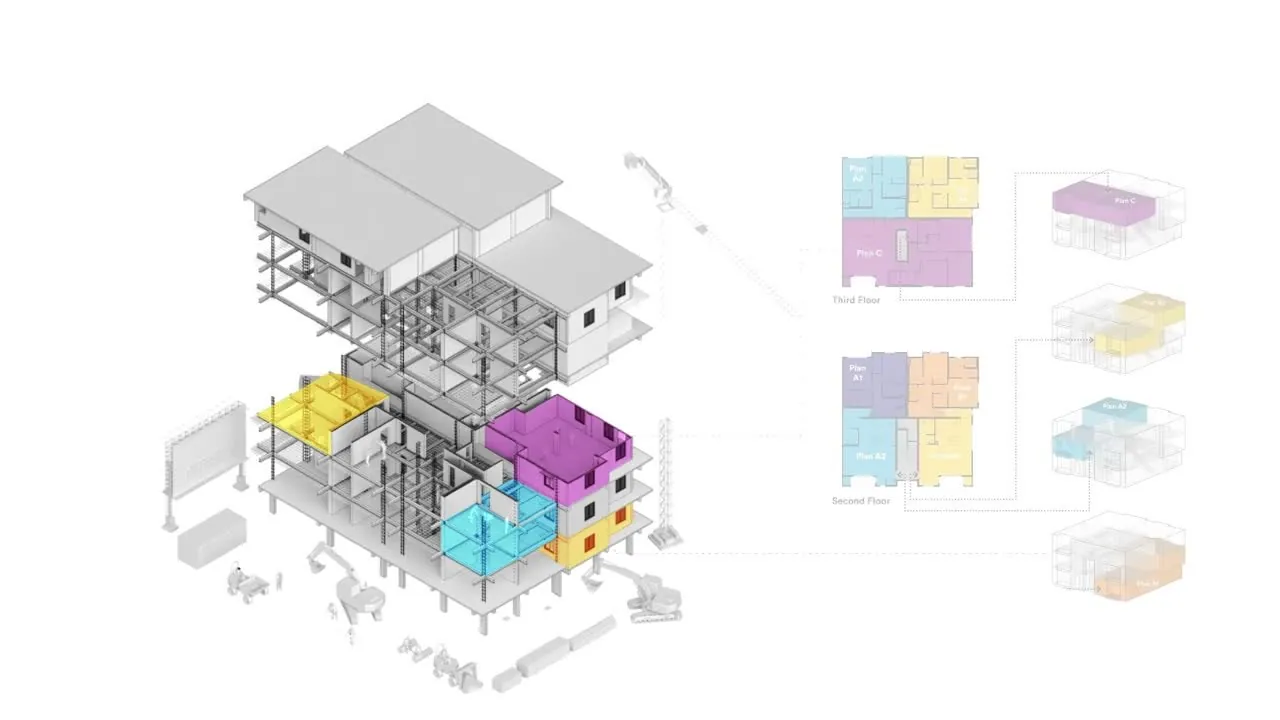
Navigate the building by zone and floor.
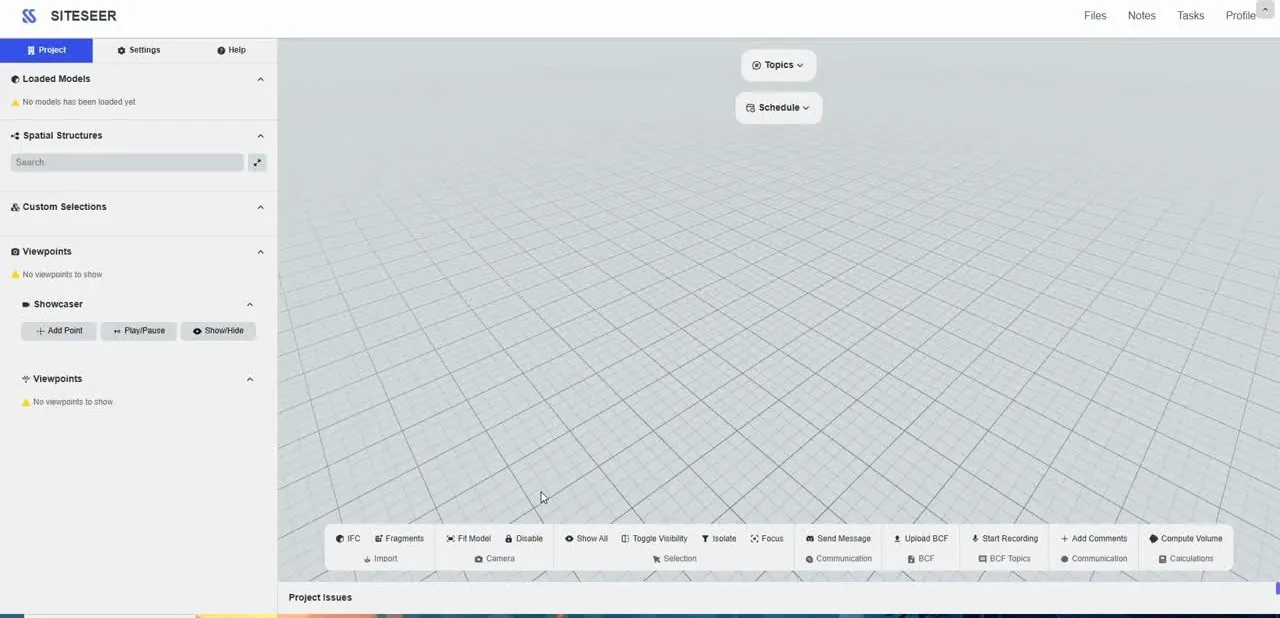
Load IFC models straight into the browser. No licences, no heavy workstation: architect, engineers and site open the same model.
SiteSeer BIM
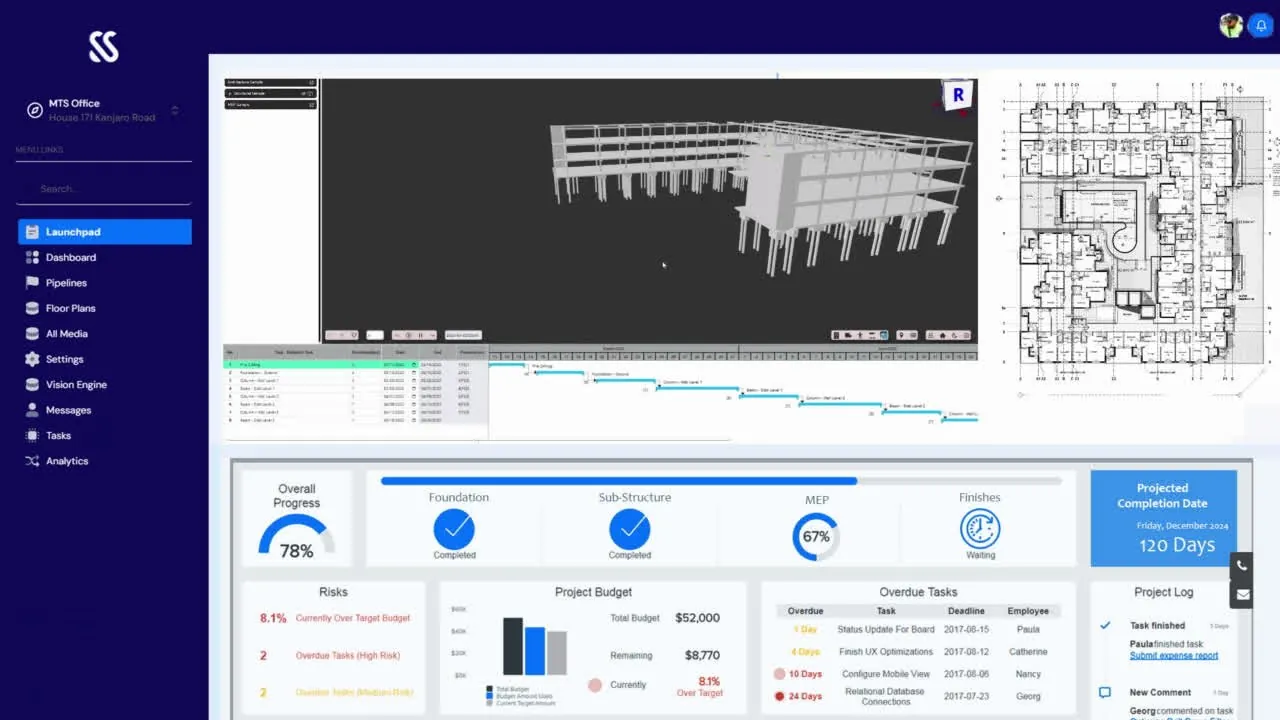
Your IFC model in any browser, tied to the programme, the BOQ and the site. Navigate the 3D space, catch clashes on screen and see every element's spec, stage and cost.
What you get
No licences, no heavy workstations. Architect, engineers and site open the same model.
Raised as topics on the model, assigned and round-tripped as BCF.
Spec, approved submittal, install date, programme and cost, one click away.
The problem
The model sits on one laptop. Specs live in PDFs. Clashes are found on site, with a jackhammer.
Rework at 1% of build cost is about KES 15M on a KES 1.5B build.
SiteSeer BIM · 01 Model
Upload the IFC once. Everyone opens the same model in seconds, on a laptop, a tablet or a phone on site. No plugins, no licences.
SiteSeer BIM · 02 Every stage
Structure, walling, services and finishes, coloured from real site progress and claims, so you see what is built, what is late and what it cost.
SiteSeer BIM · 03 Navigate
Separate the storeys, walk the plan and the 3D follows. Click any element to see its approved submittal, spec and install date.
SiteSeer BIM · 04 Clashes
A beam fighting a duct is raised as a topic on the model, assigned to the engineer and round-tripped as BCF. On site, just speak it.
SiteSeer BIM · 05 4D and 5D
Play the programme against what was really built, see cost certified per floor, then release the update to buyers as a 360° walk.
Supply duct D-14 · Level 4
Clash detected · 1
Beam B4 × supply duct
Level 4 · assigned to MEP engineer · topic #12 (BCF)
Spoken on site
“Duct is hitting the beam on level four, east side.”
Written up as a topic, with a snapshot
01 Model
02 Every stage
03 Navigate
04 Clashes
05 4D and 5D
SiteSeer BIM
Model
Load IFC models straight into the browser. No licences, no heavy workstation: architect, engineers and site open the same model.
Coordinate
Select a duct, a unit or a wall to see the submittals and specs approved for it. Issues, voice notes and viewpoints raised on the model flow into the CDE.
4D
Programme activities from MS Project are linked to model elements, so you can play the schedule and see which floors are ahead or behind.
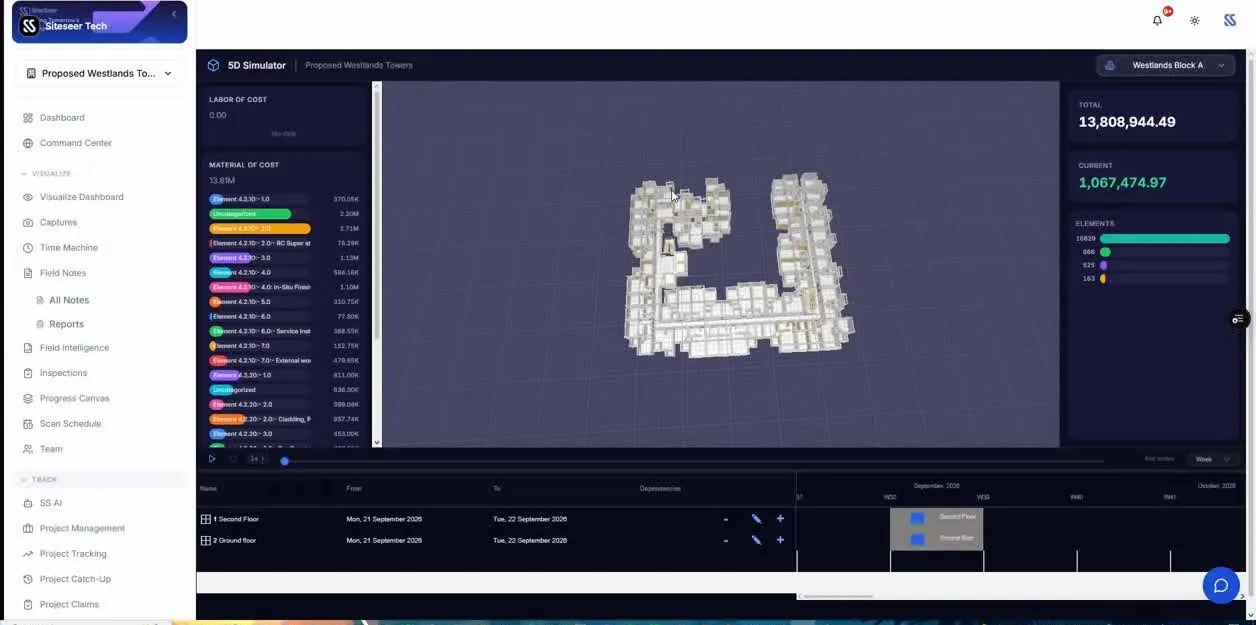
5D
Budget and certified value sit on the model, so the money position of each floor is one click away from its progress.
What it does
Model
Load IFC 2x3 or IFC4; navigate by zone and storey.
Coordinate
BCF 2.1 and 3.0 in and out, comments on the model, and topics spoken on site.
4D
MS Project programme linked to elements, replayed against site progress and claims.
5D
Budget and certified value on the model, from the BOQ and valuations.
What it takes off your plate
Everything in SiteSeer BIM
Upload IFC once; open it in seconds on desktop, tablet or phone.
Topics, clashes, comments, voice notes and viewpoints; PDF topic reports.
Rooms and openings, walk, measure, section and filter in 2D and 3D.
The architect's drawing under the BIM to check setting-out.
MSPDI import linked to elements, plan vs actual replay.
Cost curve from the BOQ and valuations, per element and floor.
ISO 19650 states, position and level checks, compare versions in 3D.
Buyers and investors get released updates through a link.
IFC, BCF, MS Project, Sheets, Cesium 3D Tiles and AI via MCP.
Works with
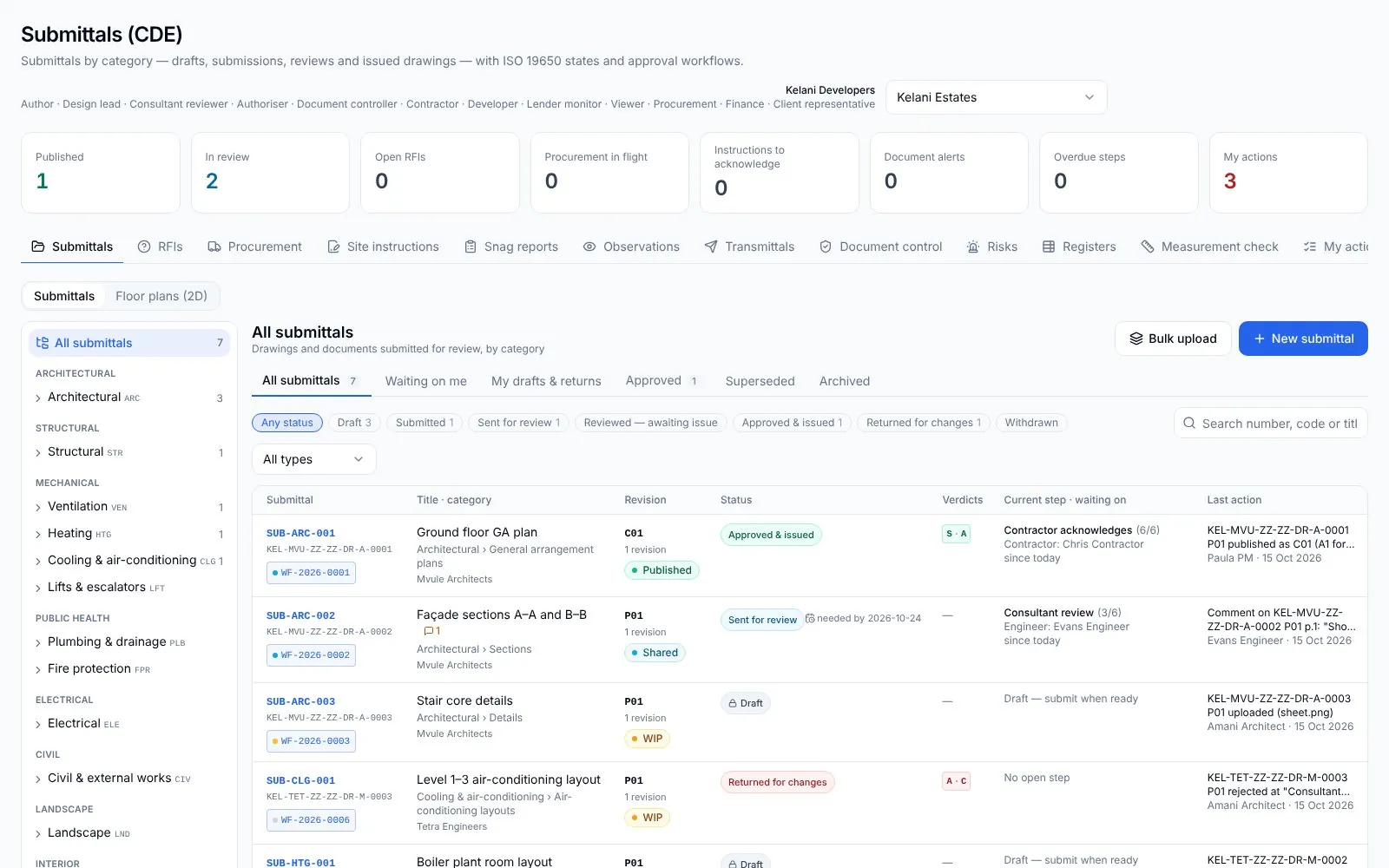 01
01SiteSeer Platform
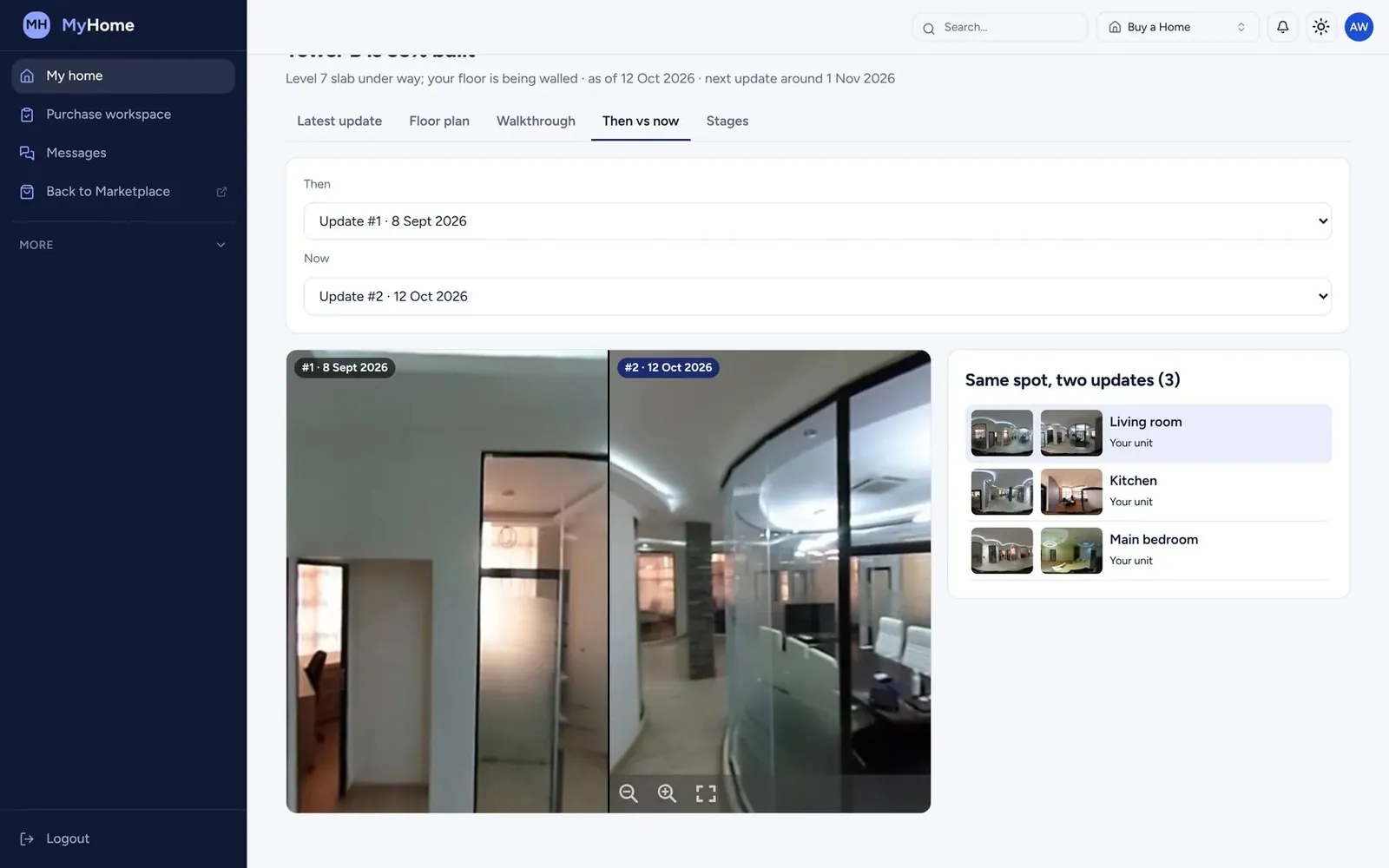 02
02SiteSeer Visualize
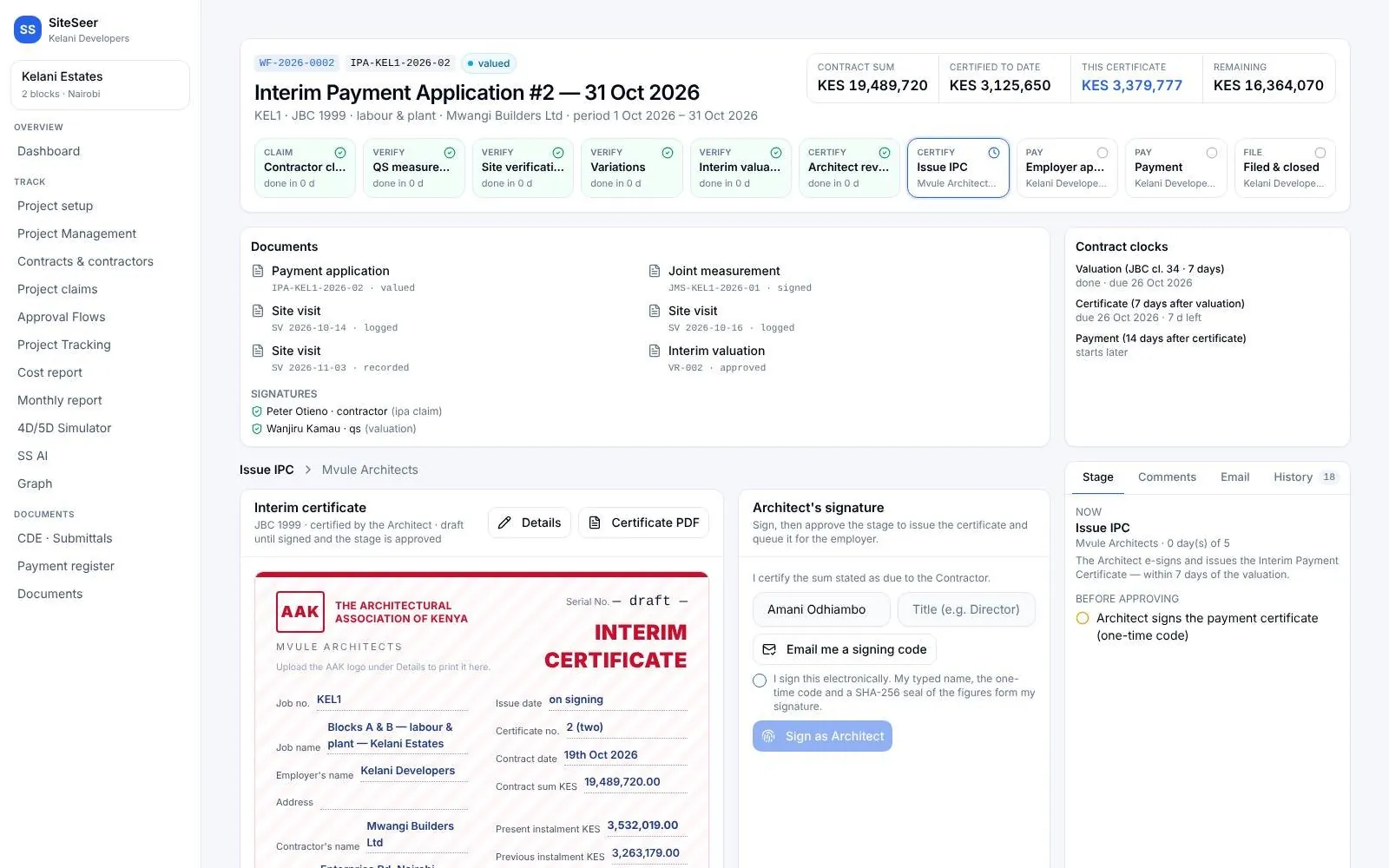 03
03Track and IPA submissions
 04
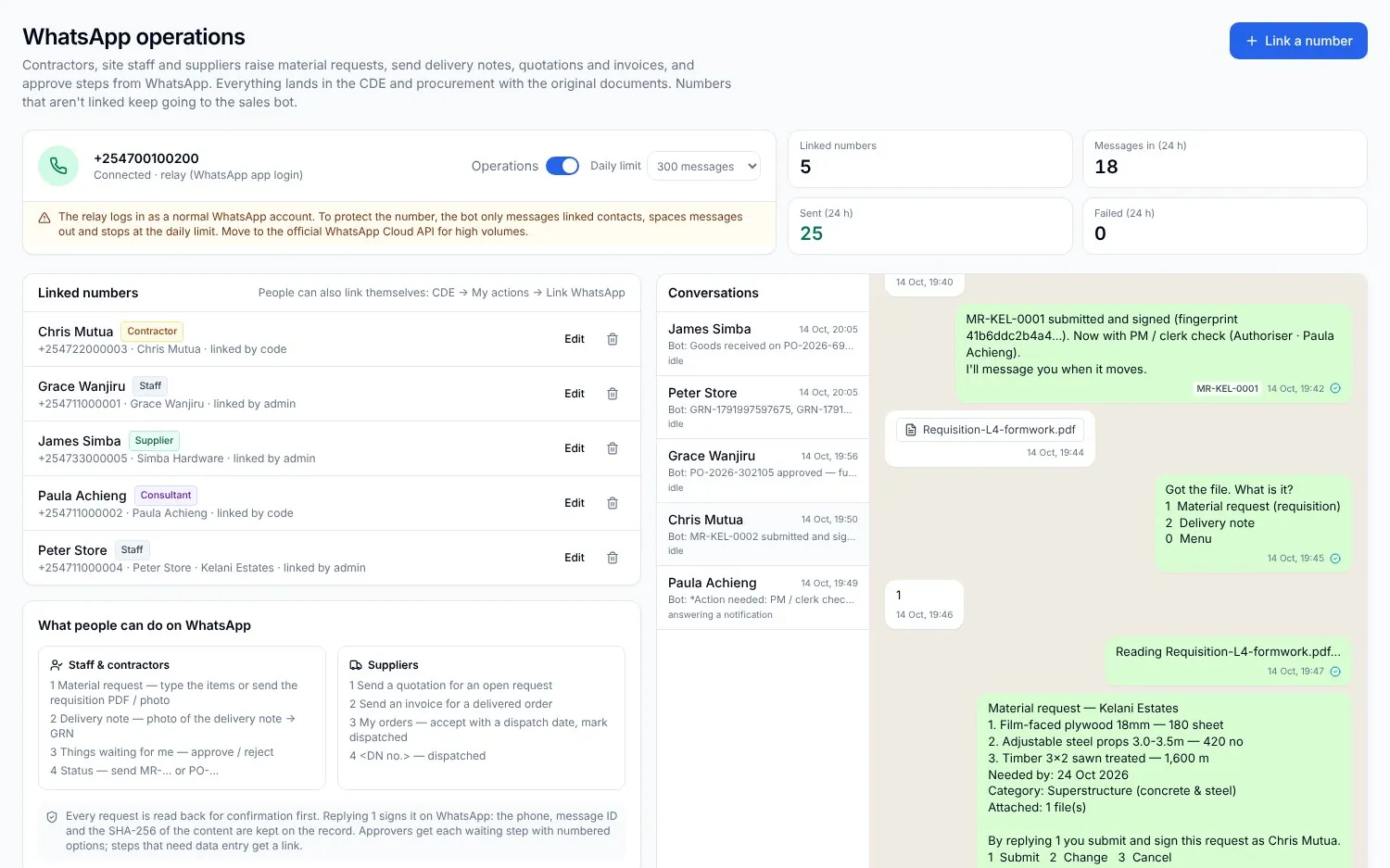
04Procurement on WhatsApp
 05
05Sera AI by SiteSeer
 06
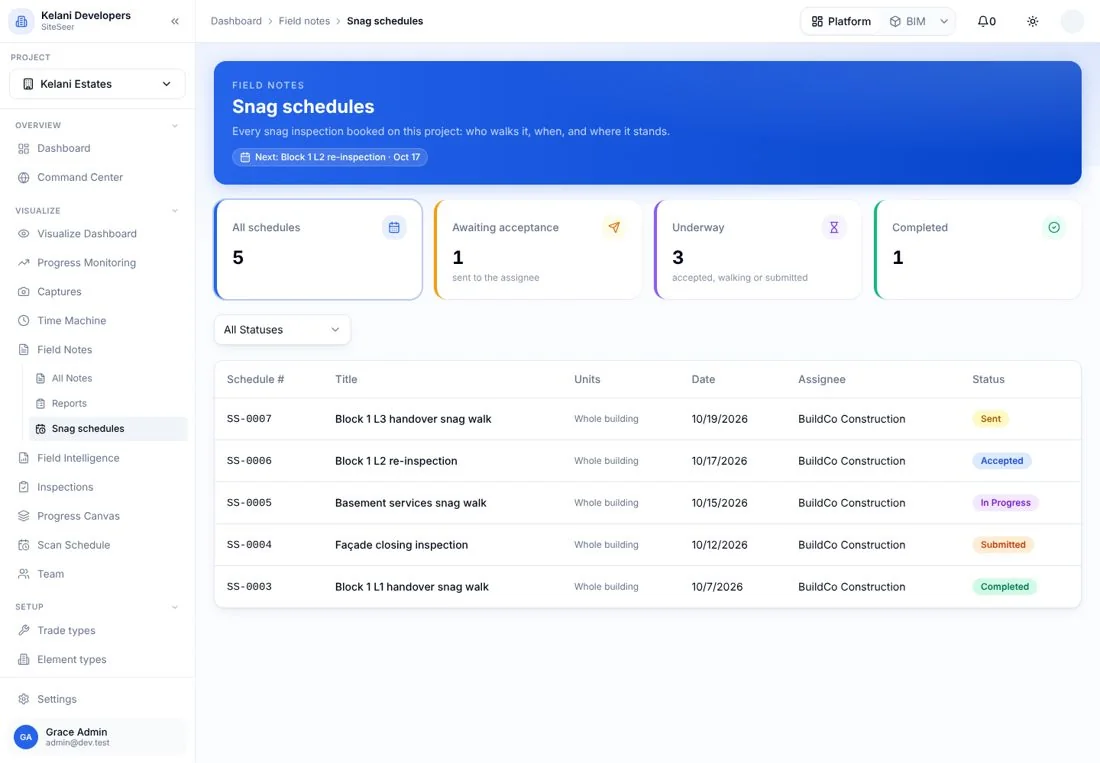
06Snagging and snag reports
Send us an IFC. We will link it to your programme and show your team the walk.