
Mobile snagging
Snags closed,not just listed.
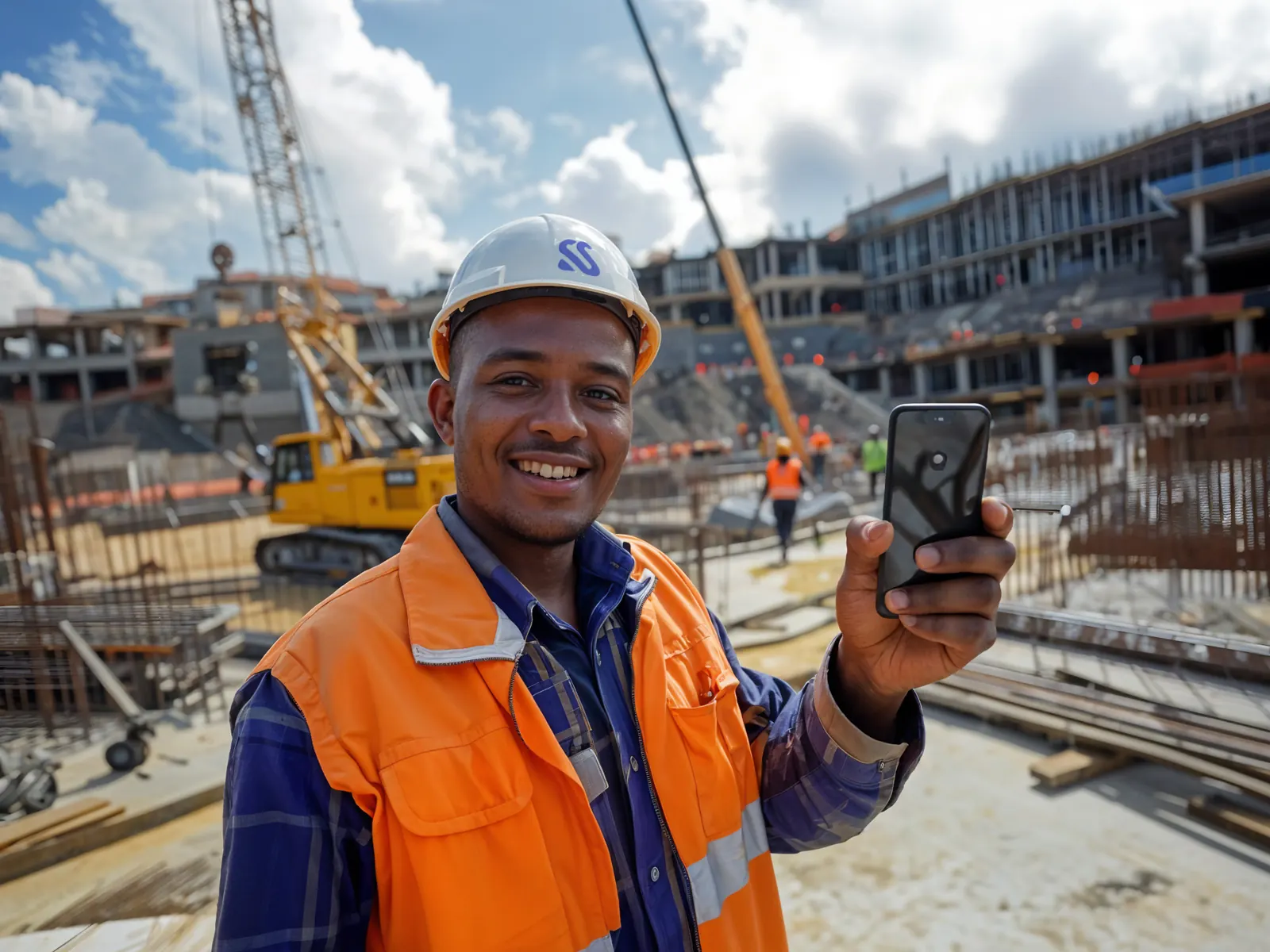
Walk the site and speak. Each snag is written up, classified, pinned to the room and sent to the contractor who owns it, then closed only with a photo of the fix.
What you get
Speak a snag, it is logged
A voice note on site becomes a structured snag, pinned to the room.
Every snag owned and dated
The right contractor gets it with a due date and is nudged if late.
Handover with proof
Before and after photos for every fix, and the report in one click.
The problem
Snags live on paper, in WhatsApp and in someone's head. The contractor says he never saw it. Handover slips by weeks.
01 · Speak
Say what you see.
Hold the mic and describe the defect as you walk. No forms, no typing with gloves on.
02 · Logged
It writes itself up.
The voice note becomes a snag with a title, the room it is in and the photo you took, pinned to the plan.
03 · Classified
AI sorts it for you.
Sera suggests the type, trade, priority and owner. Snag, RFI or non-conformance. Your team confirms in one tap.
04 · Assigned
The right contractor gets it.
It lands on their phone with a due date. If it runs late, they are nudged, not you.
05 · Closed
Closed only with proof.
The fix is photographed in the same spot and signed off on site. Before and after stay on the record.
06 · Ask Sera
Ask anything. Get the report.
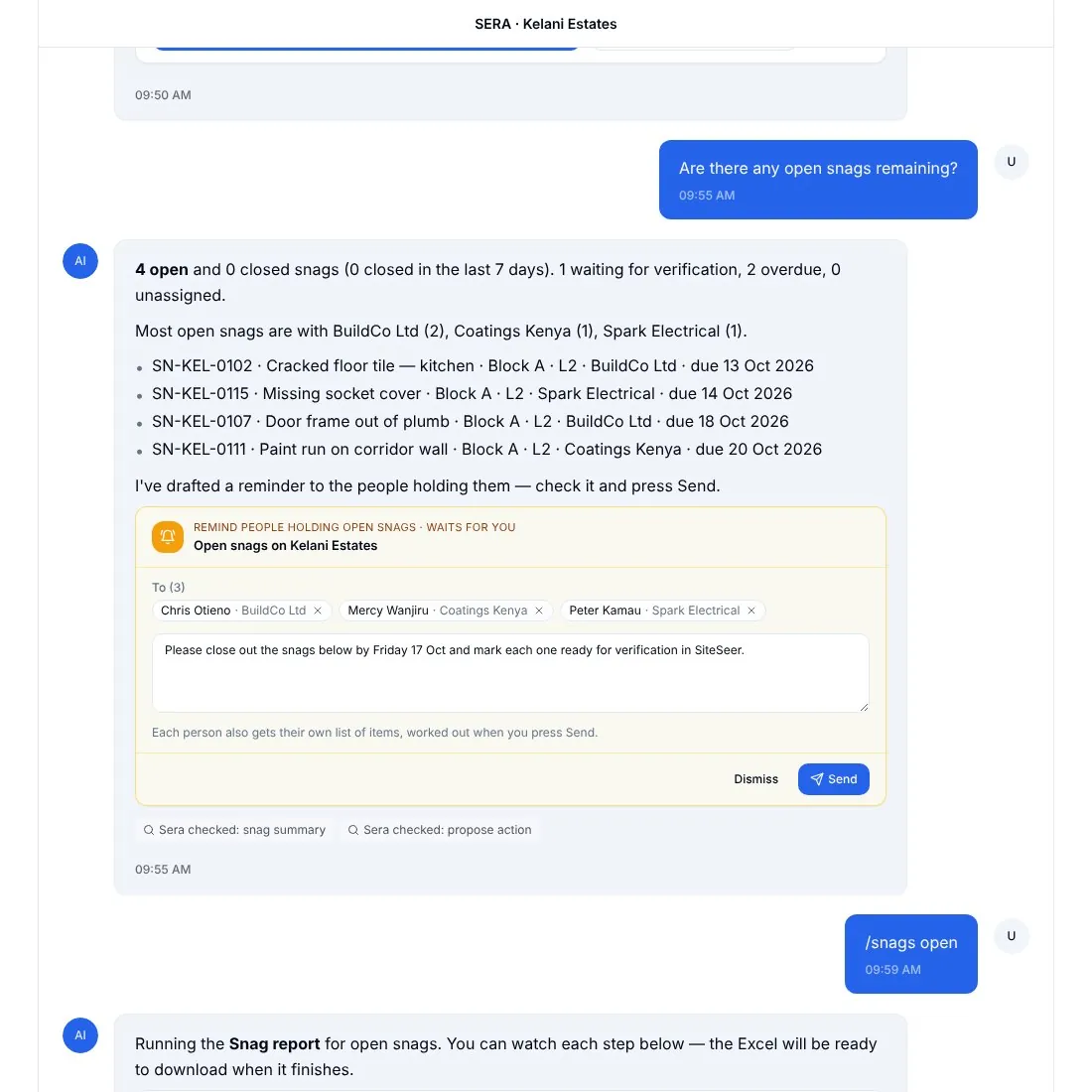
“Which snags are still open on Block 1?” Sera answers from the project and builds the snag report in Excel or PDF.
New snag
Kelani · Block 1Recording · 0:07 · hold to talk
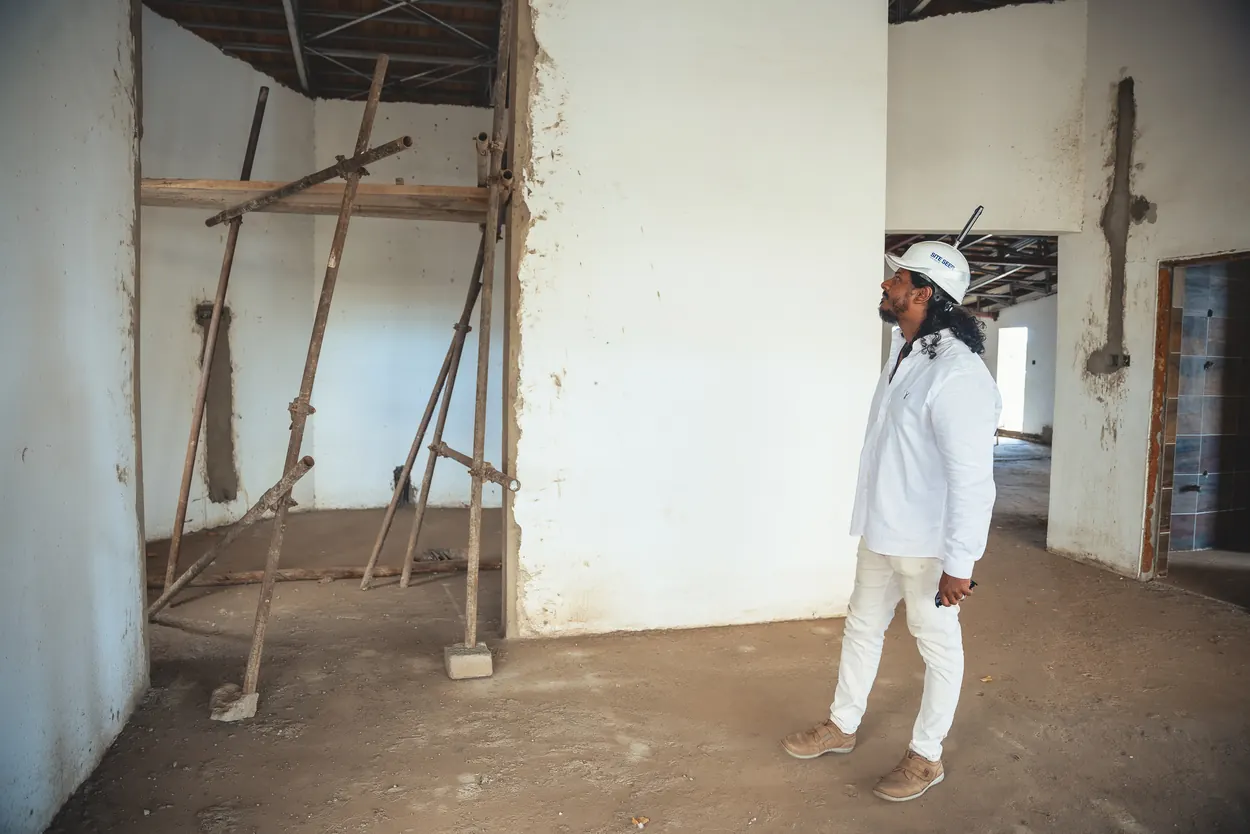
SN-KEL-0142 · Cracked screed
A-104 kitchen · High
Assigned · due Friday
Before · 14 Oct
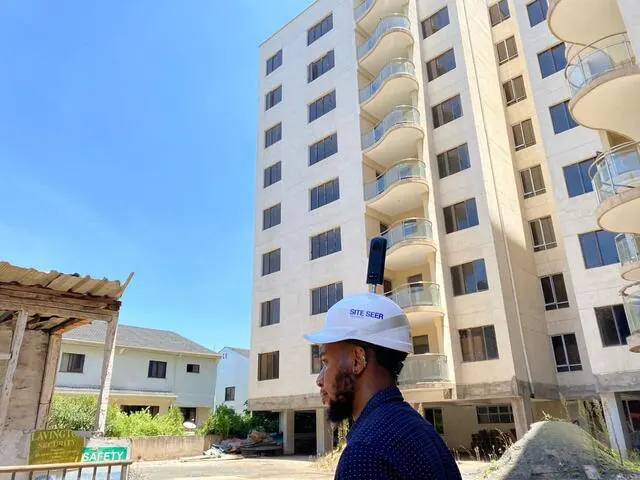
After · 17 Oct
Which snags are still open on Block 1?
4 open, 2 past due
Water ingress, basement ramp · BuildCo · due today
01 Speak
02 Logged
03 Classified
04 Assigned
05 Closed
06 Ask Sera
What it does
Inside Snagging and snag reports.Real screens, real projects.
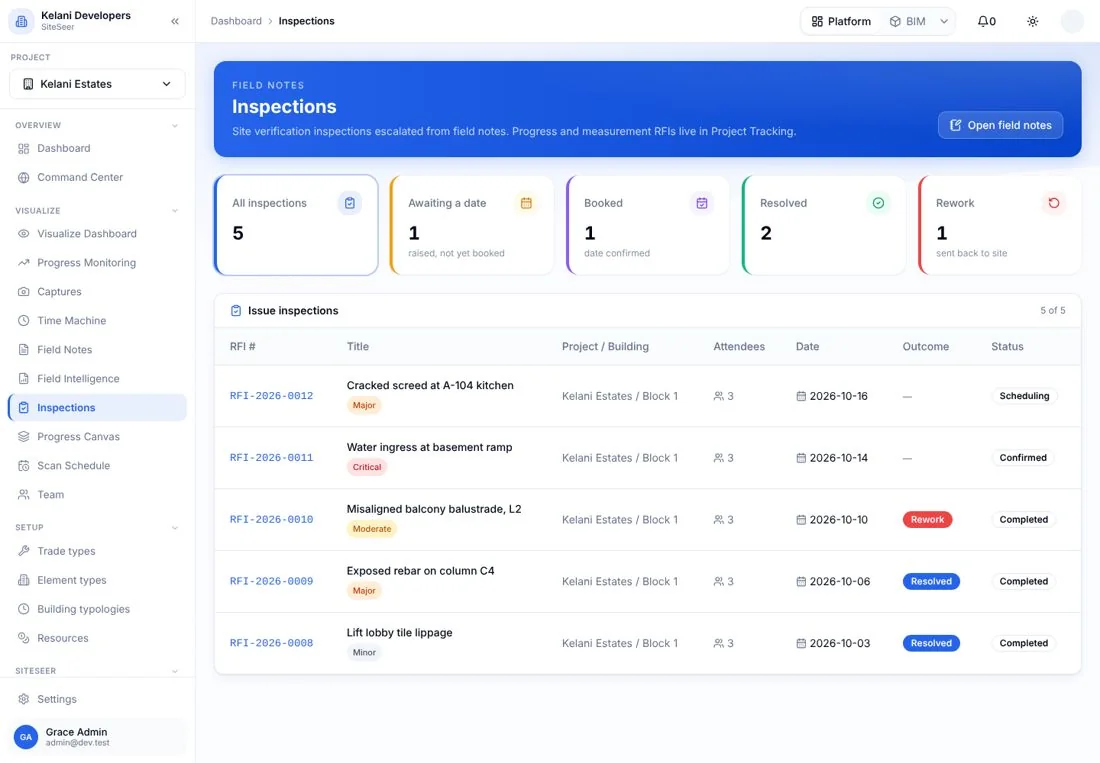
Inspections
Every walk, scheduled and recorded.
Snag walks and inspections booked per unit or block, with who attended and the outcome.
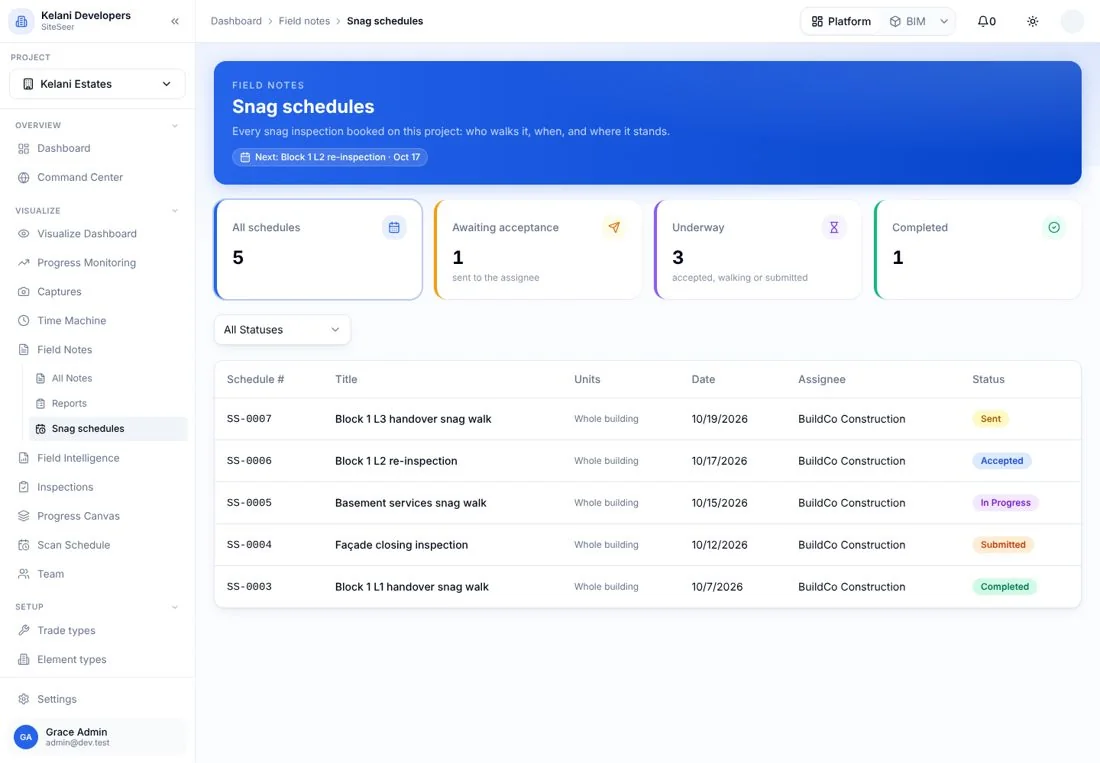
Snag schedules
Who is fixing what, by when.
The PM assigns a contractor to a set of units on a date; they accept or reschedule.
Sera
Ask, and get the report.
“Which snags are still open?” Sera answers, drafts the reminder and builds the snag report.
What it takes off your plate
Less chasing.More certainty.
Everything in Snagging and snag reports
All the features.Built for real sites.
Voice capture
Hold to talk; the note becomes a snag with title, location and trade.
AI classification
Snag, RFI or non-conformance, trade, priority and owner suggested for you to confirm.
Pinned to the plan
Each snag on the room in the plan and on the 360° image.
Mobile first
Works on any phone on site; captures sync to the platform.
Assign and nudge
Contractor notified on WhatsApp and in their portal; late items nudged.
Close with a photo
Fixes photographed in the same spot and signed off.
Snag schedules
Walks booked per unit with accept or reschedule.
Snag reports
Excel and PDF by block, unit, trade or contractor.
Ask Sera
Plain-language questions on open snags, on the web or WhatsApp.
Works with
One record,many tools.
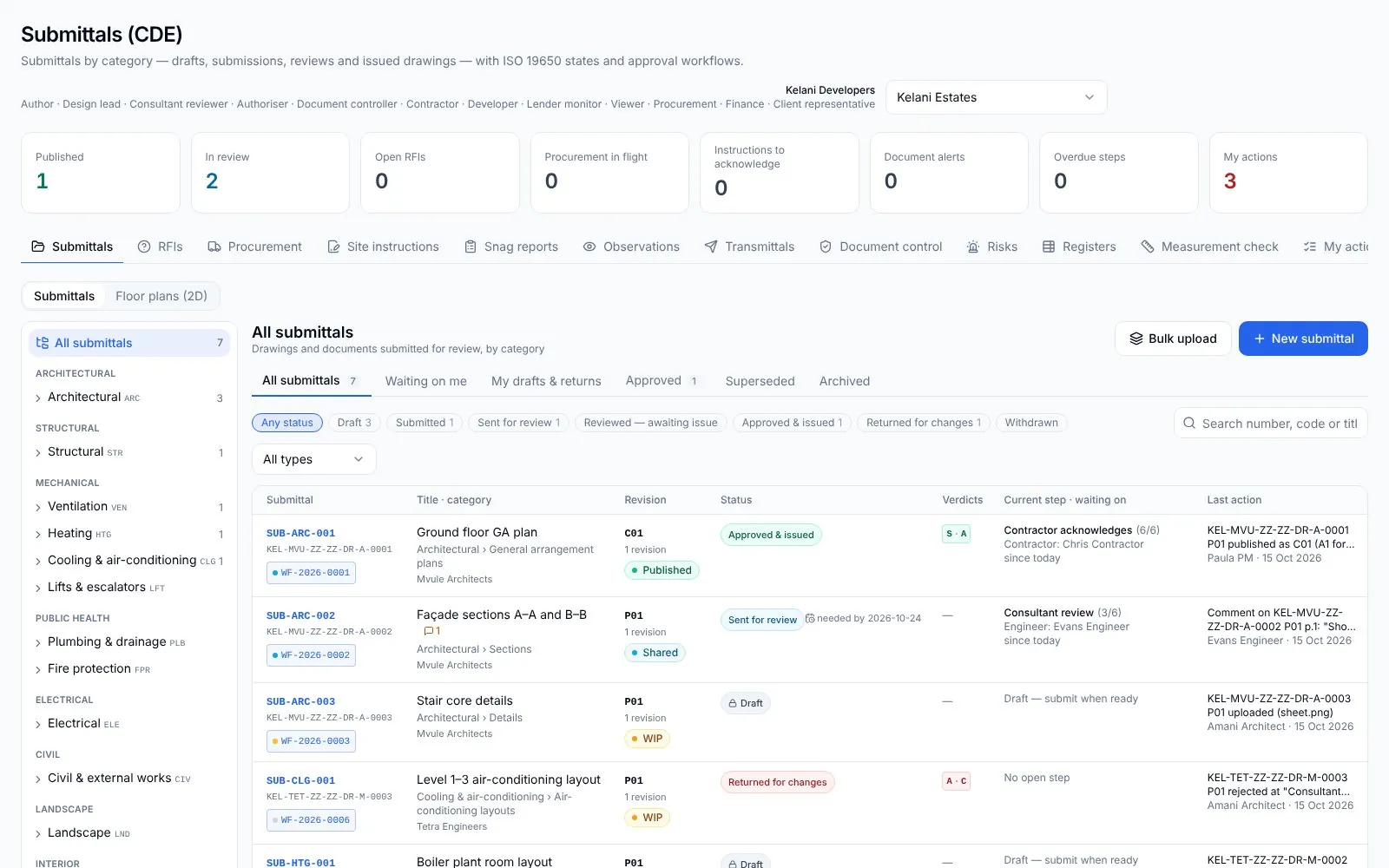 01
01SiteSeer Platform
Every approval moving. Every document on record.
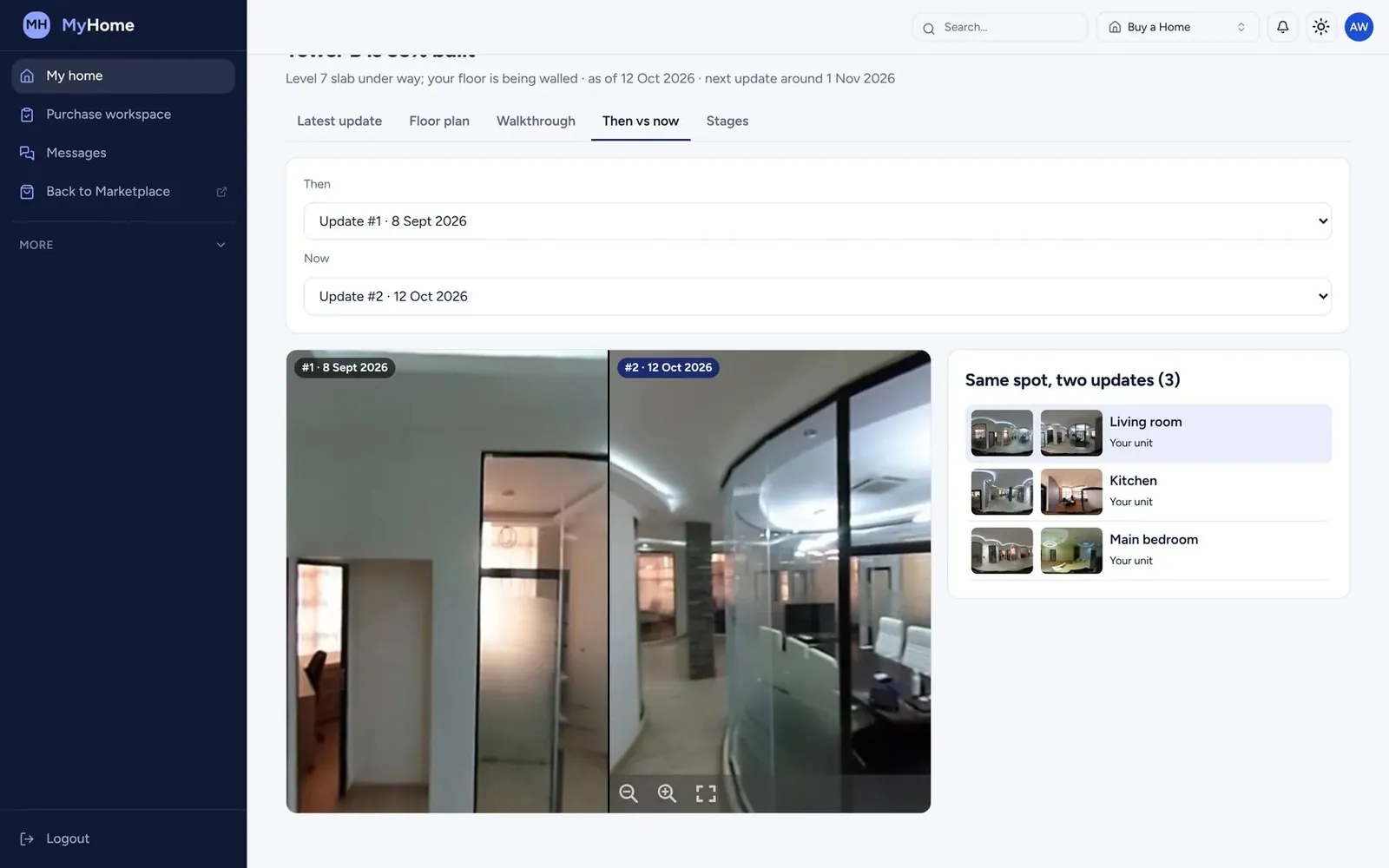 02
02SiteSeer Visualize
See your whole site. From anywhere, on any date.
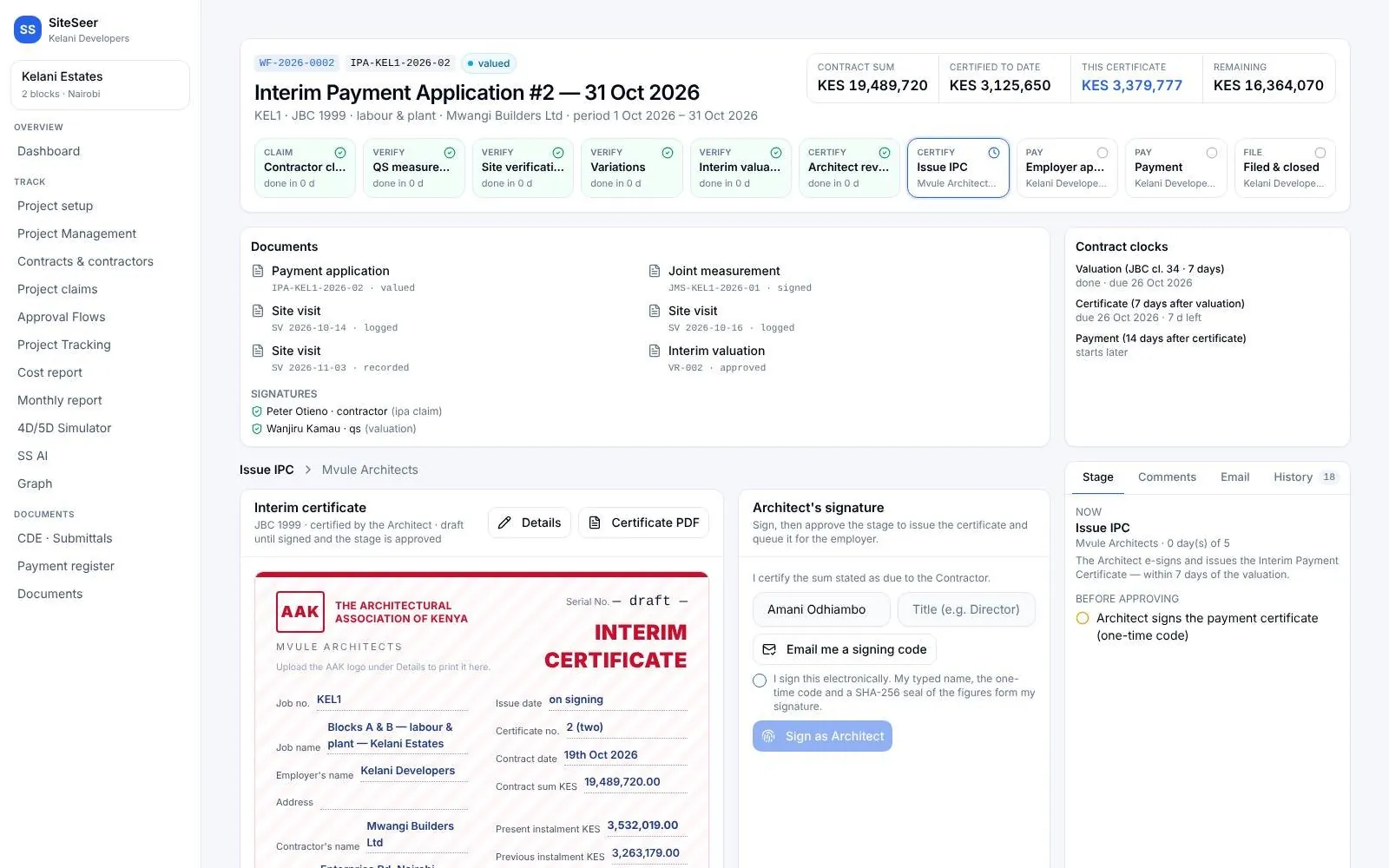 03
03Track and IPA submissions
Pay for what was built. Nothing more.
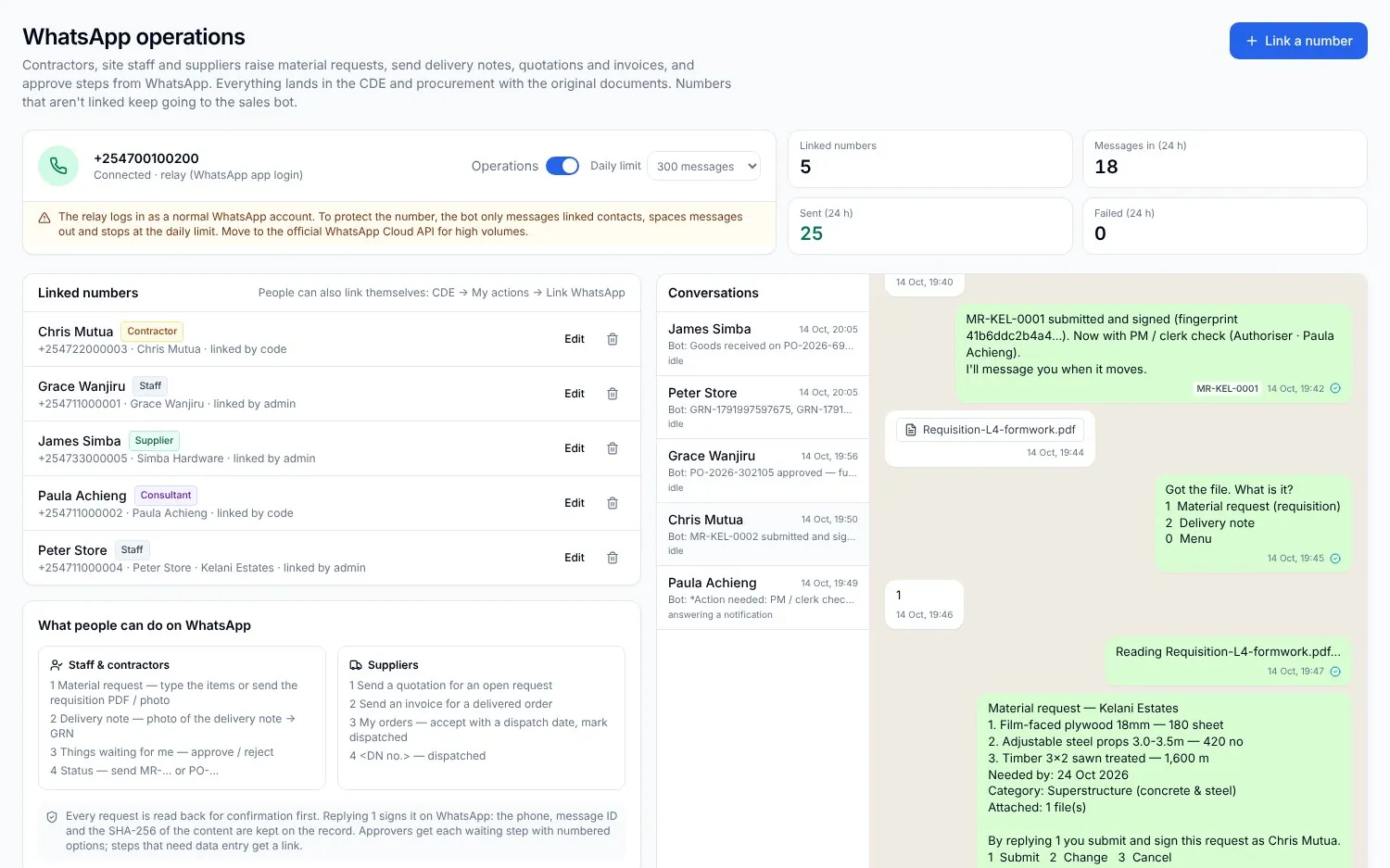 04
04Procurement on WhatsApp
Buy what the site needs. Never more than the budget.
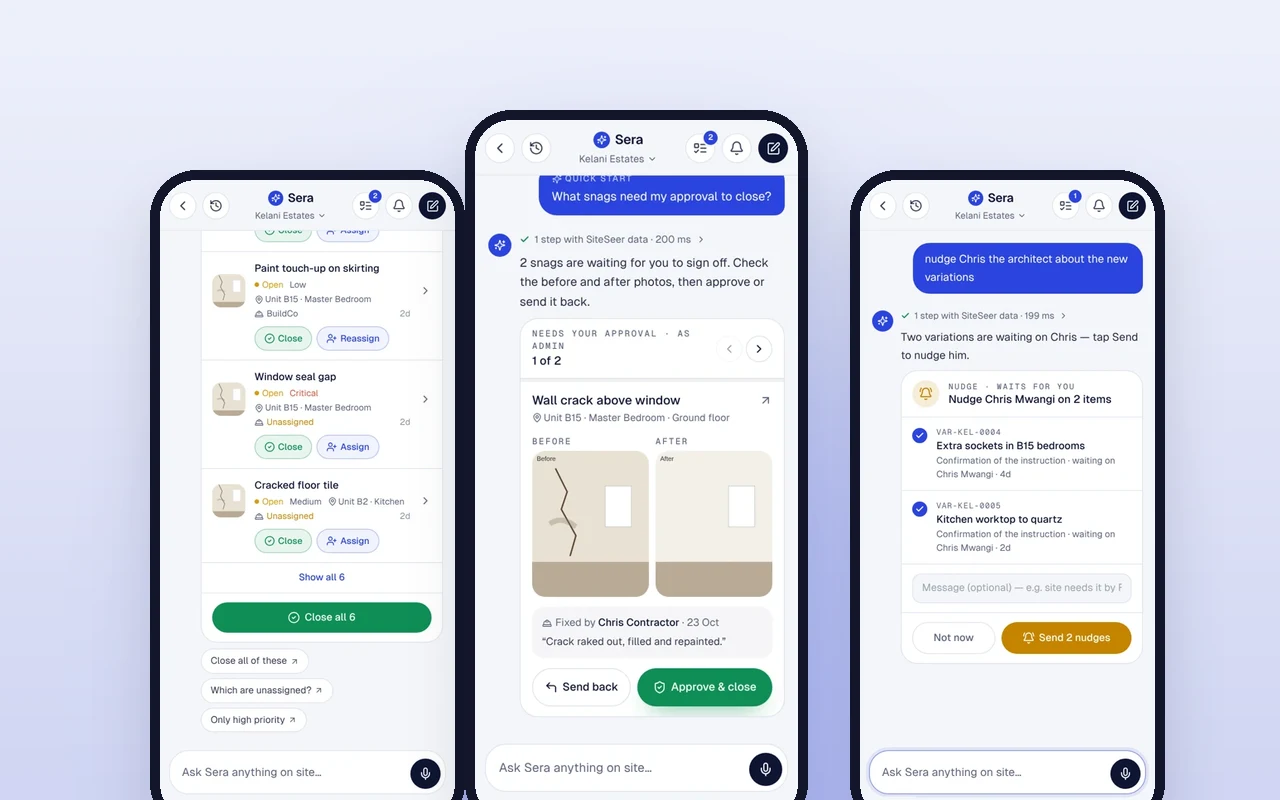 05
05Sera AI by SiteSeer
Your whole project, in one chat.
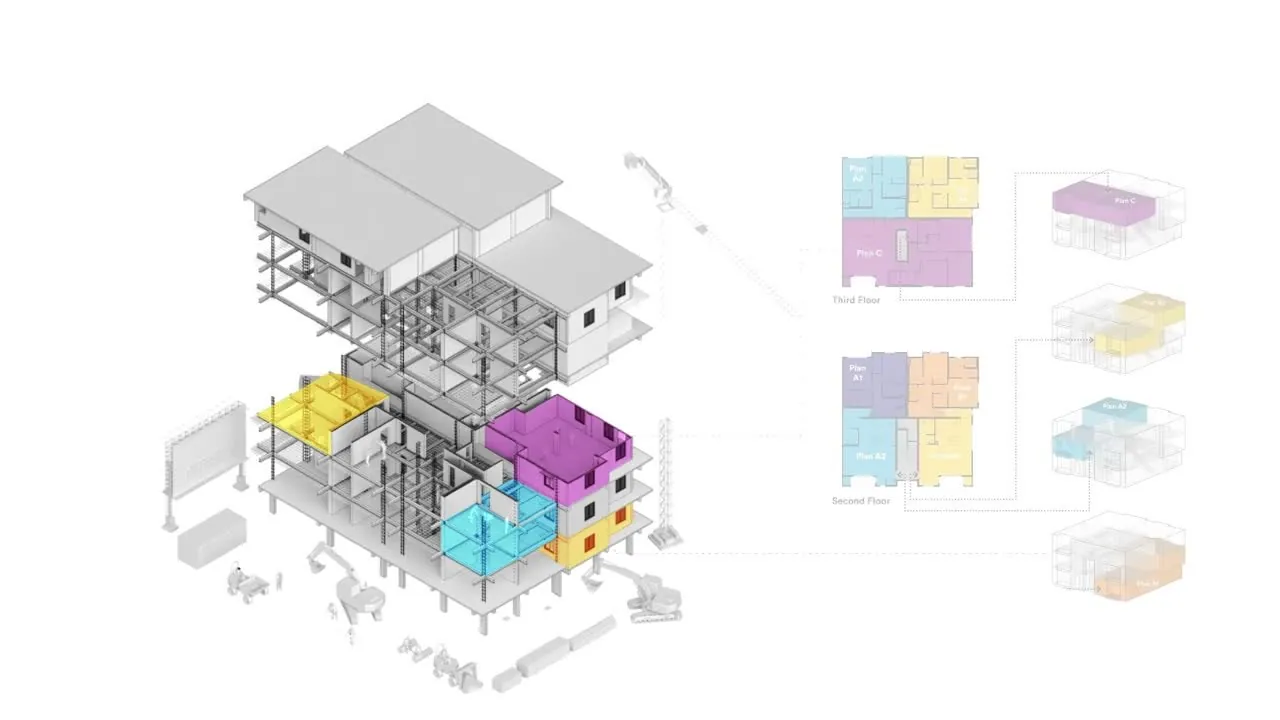 06
06SiteSeer BIM
Walk your building before it is built.
Run your next snag walk with your voice.
We will set up a block, and your team snags it from their phones the same day.